About this skill
Prompt Kit for GPT Image
GPT Image can render clean text, edit a photo without touching the rest, and keep a character consistent across a set. It does those things when the prompt is built the right way. This skill gives your agent OpenAI's own prompting guidance for the GPT Image models, condensed into a procedure, plus 15 fill-in templates for the images people actually need: ads, thumbnails, infographics, product shots, OG images, icons, stickers, posters and more.
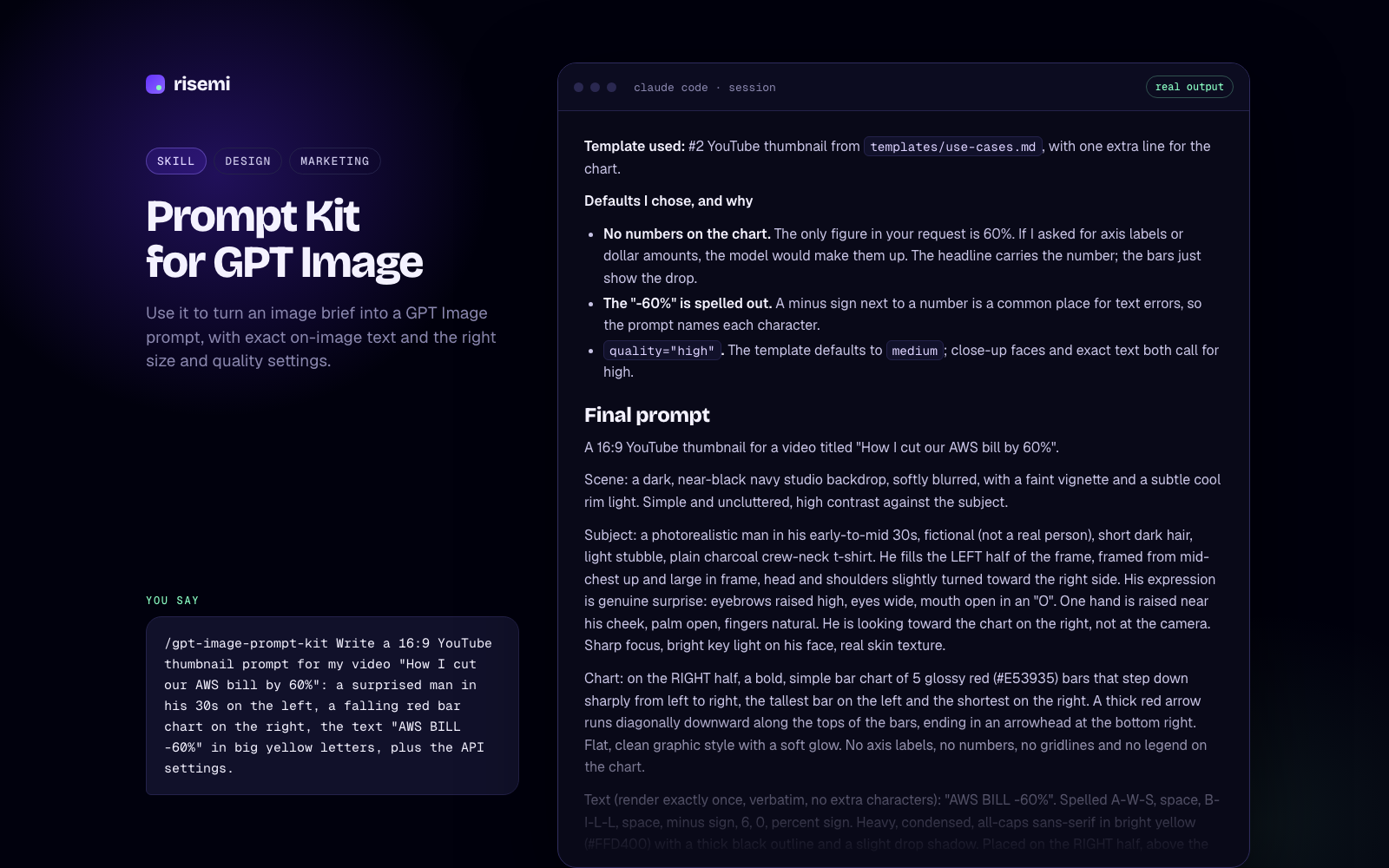
How it works. Ask for an image the way you would brief a designer ("a 16:9 thumbnail for my video on cutting AWS costs, my face on the left, text 'AWS BILL -60%'"). The agent picks the matching template and asks only for what is missing (exact text, brand colours, size). It returns the final prompt and the settings to use: model, size, quality and transparency. Paste the prompt into ChatGPT, or let your code call the Images API with those settings. If the result is off, describe what is wrong; the agent changes one thing at a time and keeps a preserve list so edits do not drift.
What you get. SKILL.md with the patterns that matter: text rendering, edits and masks, multiple input images, infographics, product shots and transparent cutouts, photorealism, consistency across a set, sizes and quality, and a table of what fails and the fix. templates/use-cases.md has 15 templates. references/ holds the two upstream guides as clean Markdown with links to their example images. If you only need one launch illustration, the Risemi prompt gpt-image-launch-illustration does that single job; this kit covers the rest.
Based on the GPT Image prompting guides in the OpenAI Cookbook by OpenAI (MIT): https://github.com/openai/openai-cookbook
What we changed
- Converted the two notebooks (
image-gen-models-prompting-guide.ipynb,image-gen-1.5-prompting_guide.ipynb) to Markdown. The text and example prompts are kept as written. The setup code is removed, and image links point to the upstream files at the pinned commit. - Wrote
SKILL.mdand the 15 templates ourselves, organised by job, with a size table for common formats (thumbnail, feed, story, OG, email header) inside the gpt-image-2 size rules. - Added attribution (
NOTICE.md,LICENSES/).
Checked against
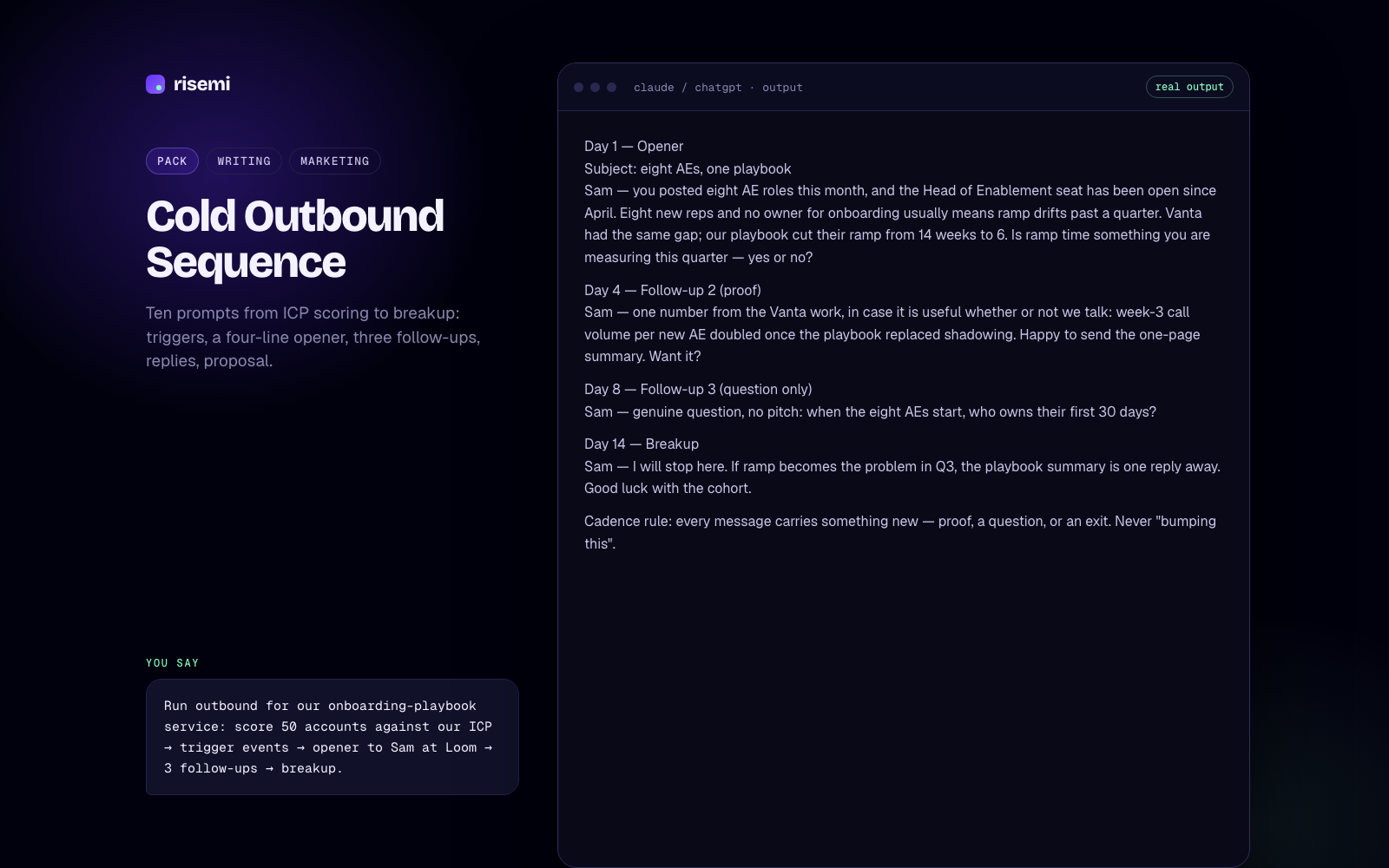
The files follow the Agent Skills SKILL.md format: spec-only frontmatter, name matching the folder, description under 1024 characters. Claude Code, Codex, Cursor, GitHub Copilot and Gemini CLI read that format. All 62 image links in the reference files resolved on 2026-11-07. Every size in the size table satisfies the gpt-image-2 size rules quoted in the guide. We checked the files against the spec on 2026-11-07. We have not recorded a test session in each agent. The example output on this page comes from a real run of the skill in Claude Code (Claude Opus) on 2026-11-07 with the request shown under "You say"; we have not generated that image.
How to install
Copy the files/ folder to .agents/skills/gpt-image-prompt-kit/ (Codex, Cursor, Copilot, Gemini CLI) and/or .claude/skills/gpt-image-prompt-kit/ (Claude Code), or unpack the zip there. Start a new session and type /gpt-image-prompt-kit followed by the image you need. The SKILL.md and its reference files also work pasted into ChatGPT, Claude or Gemini as a system or project instruction.
Not affiliated with OpenAI.