About this skill
Prompt Anatomy for Veo
Most weak video prompts are missing two or three elements: no named light, no camera move, an action that does not fit eight seconds, a negative prompt written as "no text". This skill makes your agent build every Veo prompt from the same anatomy (subject, action, scene, camera angle and movement, lens, lighting, style, palette, timing, audio, negative prompt), start from a template for your use case, and check the result before handing it over.
How it works. Type /veo-prompt-anatomy with your idea: what the clip is for, the subject, vertical or horizontal. The agent picks the closest of 16 shot templates, fills the anatomy as a table, assembles the final prompt in a fixed order, runs five checks (every variable filled, action fits the clip, camera and lens agree, light and palette named, negative prompt as plain nouns) and gives you the prompt with settings. Change any row of the table and ask again. If you attach product photos, a face or a style board, the generator sub-skill assigns each image a reference role and adds an API-ready JSON block.
What you get. SKILL.md (workflow, rules, output format), references/anatomy.md (the eleven elements with fill-in fields), templates/shot-templates.md (16 templates: product teaser, talking head, b-roll, UGC testimonial, explainer insert, logo sting, food, real estate, fashion, before/after, data callout, cinematic establishing shot, app on a device, event, travel, animated mascot) and prompter/ (the generator with its reference-role and API tables).
This is the parent kit for two single Risemi prompts: veo-8s-product-teaser and veo-animate-brand-still.
Based on veo-3.2-prompter by Pexo (MIT): https://github.com/pexoai/pexo-skills Anatomy adapted from the Veo prompt guide by Google LLC (CC-BY-4.0): https://docs.cloud.google.com/vertex-ai/generative-ai/docs/video/video-gen-prompt-guide
What we changed
- Wrapped Pexo's prompter as a sub-skill under a new entry point that always shows the filled anatomy before the prompt, so you can see and edit each choice.
- Condensed Google's prompt guide into eleven fill-in fields with checks and an assembly order (
references/anatomy.md), with CC BY 4.0 attribution. - Wrote 16 use-case shot templates ourselves.
- Flagged upstream's Veo 3.2 specs (engine name, 30-second clips, model ID) as unverified; upstream marks them provisional too.
- Changed the prompter to show its JSON to you instead of passing it to Pexo's own pipeline, and normalized frontmatter. Full list in
NOTICE.md.
Checked against
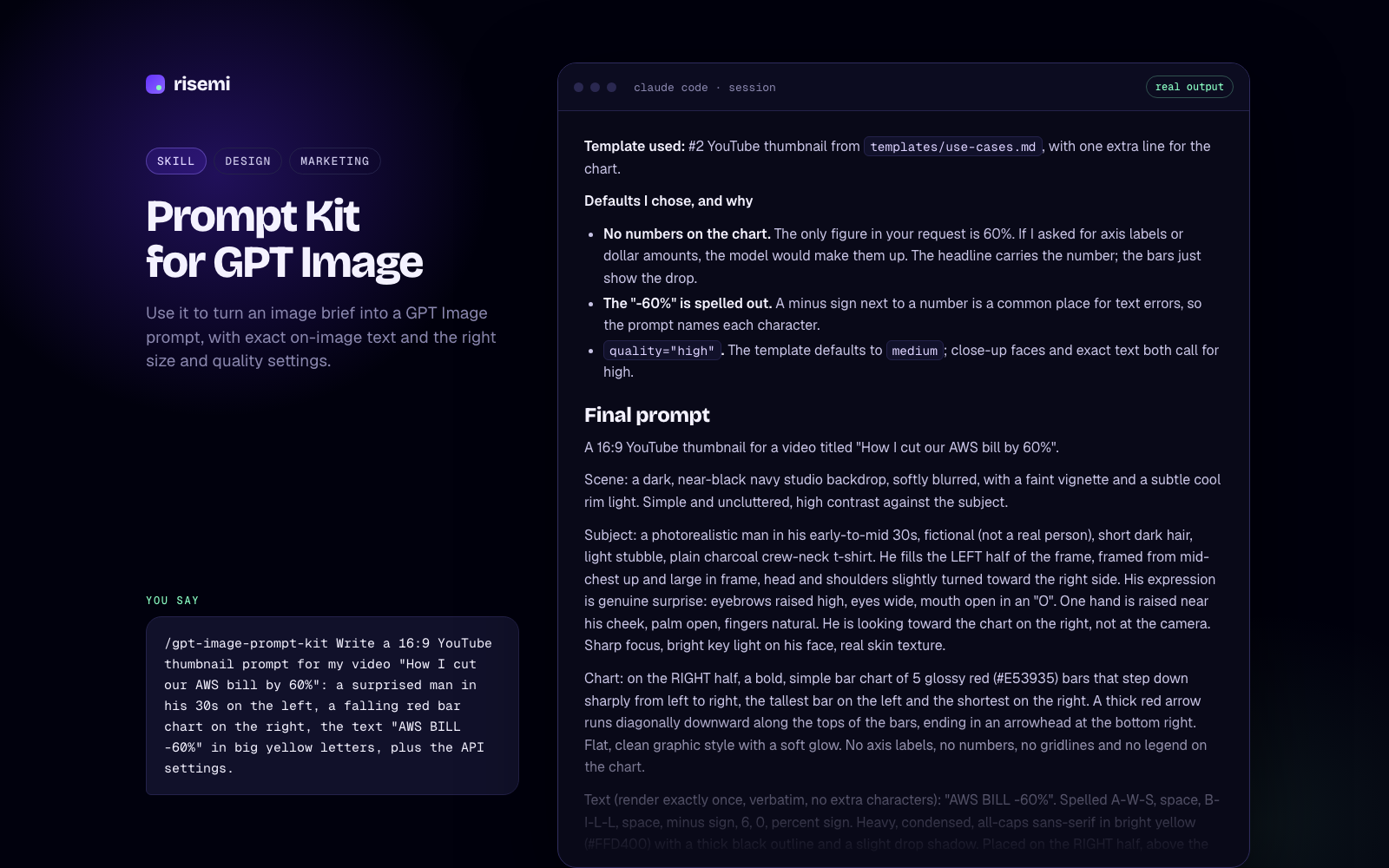
The files follow the Agent Skills SKILL.md format: spec-only frontmatter, name matching the folder, description under 1024 characters. Claude Code, Codex, Cursor, GitHub Copilot and Gemini CLI read this format. We checked the files against the spec on 2026-11-07, checked that every file the skill references exists, and checked that all 16 templates carry a prompt block with variables. We have not recorded a test session in each agent. The example output on this page comes from a real run of the skill in Claude Code (Claude Opus) on 2026-11-07 with the request shown under "You say"; we have not generated that clip in Veo.
How to install
Copy the files/ folder to .agents/skills/veo-prompt-anatomy/ and to .claude/skills/veo-prompt-anatomy/ in your project (or unpack the zip there), start a new session and type /veo-prompt-anatomy followed by your idea. The SKILL.md and its reference files also work pasted into ChatGPT, Claude or Gemini as a system or project instruction.
Not affiliated with Google or Pexo.