
Both Claude Code and Cursor now support agent skills: folders with a SKILL.md file that teach the agent how to do a specific job, such as writing tests first, reviewing an API change, or building a landing page. Both follow the same open format, so a well-written skill runs in either. The differences are in where the files go, how you trigger them, and what the rest of the tool feels like to work in.
If you are new to skills, read what agent skills are first. This page assumes you know the basic idea.
The shared part: one format
A skill is a folder containing SKILL.md. The file starts with YAML frontmatter holding at least a name and a description, followed by instructions in Markdown. The folder can also contain scripts/, references/ and assets/.
Both tools use progressive disclosure: at the start, the agent only sees each skill's name and description. When your request matches a description, it loads the full instructions, and it opens the extra files only when the instructions call for them. That is why you can have dozens of skills installed without filling the context window.
The format is published as an open specification at agentskills.io. Because of that, the practical question is less "which tool supports skills" and more "which tool do you want to work in".
Where each tool looks for skills
| Claude Code | Cursor | |
|---|---|---|
| Project folder | .claude/skills/<slug> | .agents/skills/<slug> (also .cursor/skills/) |
| User folder (all projects) | ~/.claude/skills/<slug> | ~/.cursor/skills/<slug> (also ~/.agents/skills/) |
| Reads the other tool's folder | No, uses .claude/skills | Yes, Cursor's docs list .claude/skills and ~/.claude/skills as compatibility paths |
| Nested skills in subfolders | Yes, load when you work in that subfolder | Yes, apply to files under that folder |
Project folders are committed with the repository, so the whole team gets the same skills. User folders are personal and apply to every project on your machine.
The compatibility row is useful: if your team uses both tools, putting skills in .claude/skills/ makes them visible to Claude Code and, per Cursor's docs, to Cursor as well. Check the current docs if you depend on it, as these paths have changed during the year.
How you trigger a skill
Both tools support the same two modes.
Automatic. The agent reads your request, compares it with skill descriptions, and loads a match. This is why a skill's description matters so much: it is effectively the trigger. See how to write a SKILL.md for writing descriptions that fire when they should and stay quiet otherwise.
Manual. Type / and the skill name. In Claude Code, /skill-name at the start of a message runs it, and you can pass arguments after it. In Cursor, choosing a skill from the / menu attaches it to that message.
Both also respect disable-model-invocation: true in the frontmatter, which means "only run this when I ask for it". That is the right setting for skills with side effects, like deploying or sending something.
Each tool adds its own extras:
- Claude Code supports more frontmatter fields:
allowed-toolsto pre-approve certain commands,context: forkto run a skill in a separate subagent,argument-hint, andpathsto limit when it activates. Edits to skills in the standard folders take effect in the current session without restarting. - Cursor requires the
nameto match the folder name, supportspathsand its own fields such asiconandcolor, and lets you run a skill session-wide as a custom mode. It can also sync your user-level skills to its Cloud Agents.
Fields one tool does not recognise are generally ignored by the other, so a skill that uses Claude Code's extras still works in Cursor, just without those extras.
Workflow differences that matter more than skills
Skills behave similarly in both. The tools around them do not.
Claude Code is a terminal-first agent (also available in IDE extensions, a desktop app and on the web). You describe a task, it reads files, runs commands, edits code and reports back. It suits people who are comfortable letting an agent work through a multi-step task and reviewing the result, and it is strong at long, chained jobs: run tests, read the failures, fix, rerun.
Cursor is a code editor (a fork of VS Code) with an agent built in. You see every file and diff in the editor as it changes, and you can switch between chatting with the agent, inline edits and plain typing. It suits people who want to stay close to the code and steer each step visually.
| You are... | Probably prefer |
|---|---|
| Already living in VS Code and want to see every diff | Cursor |
| Comfortable in a terminal, want the agent to run long tasks | Claude Code |
| A non-developer building a first app | Either; Cursor's visual editor feels less foreign to many |
| A team on mixed tools | Put skills in .claude/skills/ or both folders, use whichever per person |
| Doing lots of scripting, CI, or repo-wide changes | Claude Code |
Neither is strictly better. Both are paid products with free tiers or trials, and prices and model options change often, so compare current plans before committing.
The same skill in both tools
Here is a minimal skill that works unchanged in both:
---
name: explain-before-edit
description: Use when the user asks to change existing code they did not write. Explains the relevant code first, then proposes the change and waits for approval.
---

1. Read the files involved. Summarise in five bullets what the code does
   and what depends on it.
2. Propose the change as a short plan: files touched, what changes, risks.
3. Wait for the user to say "go". Do not edit before that.
4. Make the change, then list exactly what you changed.
Save it as explain-before-edit/SKILL.md inside .claude/skills/ for Claude Code or .agents/skills/ for Cursor. Note the folder name matches name, which Cursor requires.
Installing skills from Risemi in either tool
Every skill on Risemi installs the same way in both. Paste one line into the agent:
Read https://risemi.io/p/<slug>/install.md and follow it to install the "<slug>" skill into this agent.The agent downloads the folder into the right place for itself. A CLI, npx risemi add <slug> --agent claude-code (or --agent cursor), is shipping this week; until it is on npm, each product page also offers a ZIP you unzip into the skills folder from the table above. Step-by-step guides: install skills in Claude Code and install skills in Cursor.
Two free skills are a good first test in either tool, because you will see the difference immediately: one makes the agent build every change test-first, the other makes it interview you before writing a spec.
Project: fresh `npm init -y` + `npm i -D vitest typescript` (Vitest 5.1.0, TypeScript strict). Every runner output below is pasted from the actual run.

Behaviour list (simplest first): 1. returns empty for blank input · 2. returns the address trimmed and lowercased when valid · 3. returns malformed when there is no @ · 4. returns malformed when there is more than one @ · 5. returns malformed when the domain has no dot · 6. returns too_long when the address is over 254 characters

Cycle 1: returns empty for blank input

```
[TDD] cycle 1/6  step RED  behaviour: returns empty for blank input
test:    src/validateEmail.test.ts > validateEmail > returns empty for blank input
ran:     npx vitest run src/validateEmail.test.ts -t "returns empty for blank input"
result:  FAIL  Error: Cannot find module './validateEmail' imported from <project>/src/validateEmail.test.ts
reason:  right (the unit under test does not exist yet: missing function, not a typo in the test)
changed: src/validateEmail.test.ts (+8, new file)
next:    minimum code in src/validateEmail.ts
```

```
[TDD] cycle 1/6  step GREEN  behaviour: returns empty for blank input
ran:     npx vitest run src/validateEmail.test.ts -t "returns empty for blank input" --reporter=verbose; npx vitest run src/validateEmail.test.ts
result:  PASS  Tests 1 passed (1)
changed: src/validateEmail.ts (+9, new file: result types + hard-coded `{ ok: false, error: 'empty' }`)
next:    refactor
```

Refactor: no refactor (hard-coded return is forced into the general version by cycle 2).

[Cycles 2–6 follow the same shape: each RED shows a real assertion mismatch such as `Tests 1 failed | 1 skipped (2)`, each GREEN the passing count, with refactors in cycles 5 and 6.]

Done

```
[TDD] DONE  cycles 6  tests added 6  suite PASS
ran:     npm test   (vitest run)   and   npx tsc -p .
result:  Test Files  1 passed (1) | Tests  6 passed (6); tsc exit 0
pre-existing failures: none (no tests existed)
found, not fixed: the 254 boundary itself (exactly 254 chars accepted) has no test; it passes today, so a test would be green on first run. 'a@.com' and 'a@b.' are accepted because the spec only asks for a dot in the domain.
```

No-fake-green check before every GREEN: no `.skip`/`.todo`, no assertion weakened, no test-only branch, nothing mocked.- Antigravity
- Claude Code
- Codex
- +3
Red-Green TDD Loop
Use it to make your coding agent build every change test-first: one failing test, the minimum code, a refactor, and a status block after each step.
- Claude Code
- Codex
- Copilot
- +2
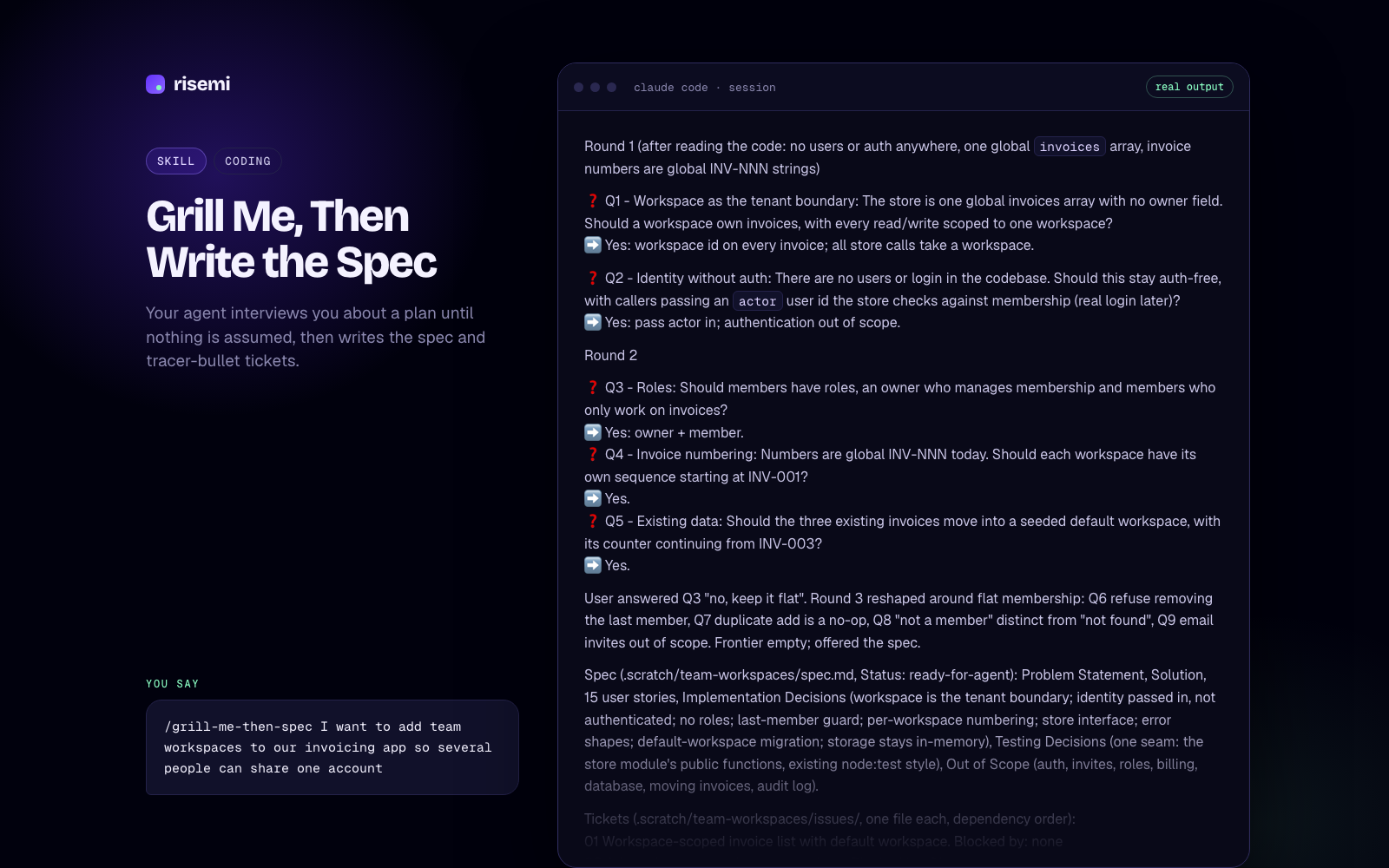
Grill Me, Then Write the Spec
Your agent interviews you about a plan until nothing is assumed, then writes the spec and tracer-bullet tickets.
If you mostly fight bugs or generic-looking UI, these are the paid ones people tend to add next:
Phase 1: Root cause investigation
Full suite: FAIL test_expired_coupon_rejected_twice (tests/test_checkout.py:16) AssertionError: Coupon(code='OLD50', …expires_at=2020-01-01…) is not None.
In isolation the same test fails at a different line (17): AssertionError: 50.0 != 100.0. So the first lookup in a process is rejected and every later lookup is accepted; in the full suite the first lookup was done by test_expired_coupon_rejected. Cross-test pollution through module-level state.
Cache probe at the boundary: cache before [] → 1st None → cache after ['OLD50'] → 2nd Coupon(OLD50). Docstring says the cache was added in 3f2a1c9 "to cut DB reads": that is the regression point.
Trace (root-cause-tracing.md): apply_coupon → get_coupon → `if code in _CACHE: return _CACHE[code]`. get_coupon writes the coupon to _CACHE before the expiry check, and the cache-hit branch has no expiry check at all.

Phase 2: Pattern analysis
Working path: cache miss → _load → expiry check. Broken path: cache hit. Expiry depends on `now`, passed per call, so it cannot be a cached property; "don't cache expired coupons" alone would still serve a coupon cached while valid after it expires.

Phase 3: Hypothesis
"get_coupon returns cached coupons without re-checking expires_at against the caller's now; the cache was added around the lookup but the validity check stayed only on the miss path." Confirmed by the probe above.

Phase 4: Implementation
Failing test first: test_cached_coupon_rechecked_for_expiry (look up while valid, then after expiry) plus a setUp that clears the module cache. Before the fix: 5 tests, 2 failures, both for the expected reason.
Fix at the source: the cache stores the raw record; the expiry check runs on every lookup, cached or not.

    c = _CACHE.get(code)
    if c is None:
        c = _load(code)
        if c is None:
            return None
        _CACHE[code] = c
    if c.expires_at < now:
        return None
    return c

Verification: python3 -m unittest -v → Ran 5 tests … OK. The originally failing test in isolation, 3 runs: OK, OK, OK. Fix attempts: 1.- Claude Code
- Codex
- Copilot
- +2
Systematic Debugging Loop
Stops your coding agent from guessing: root cause first, one hypothesis at a time, failing test before the fix.
- Claude Code
- Codex
- Copilot
- +2
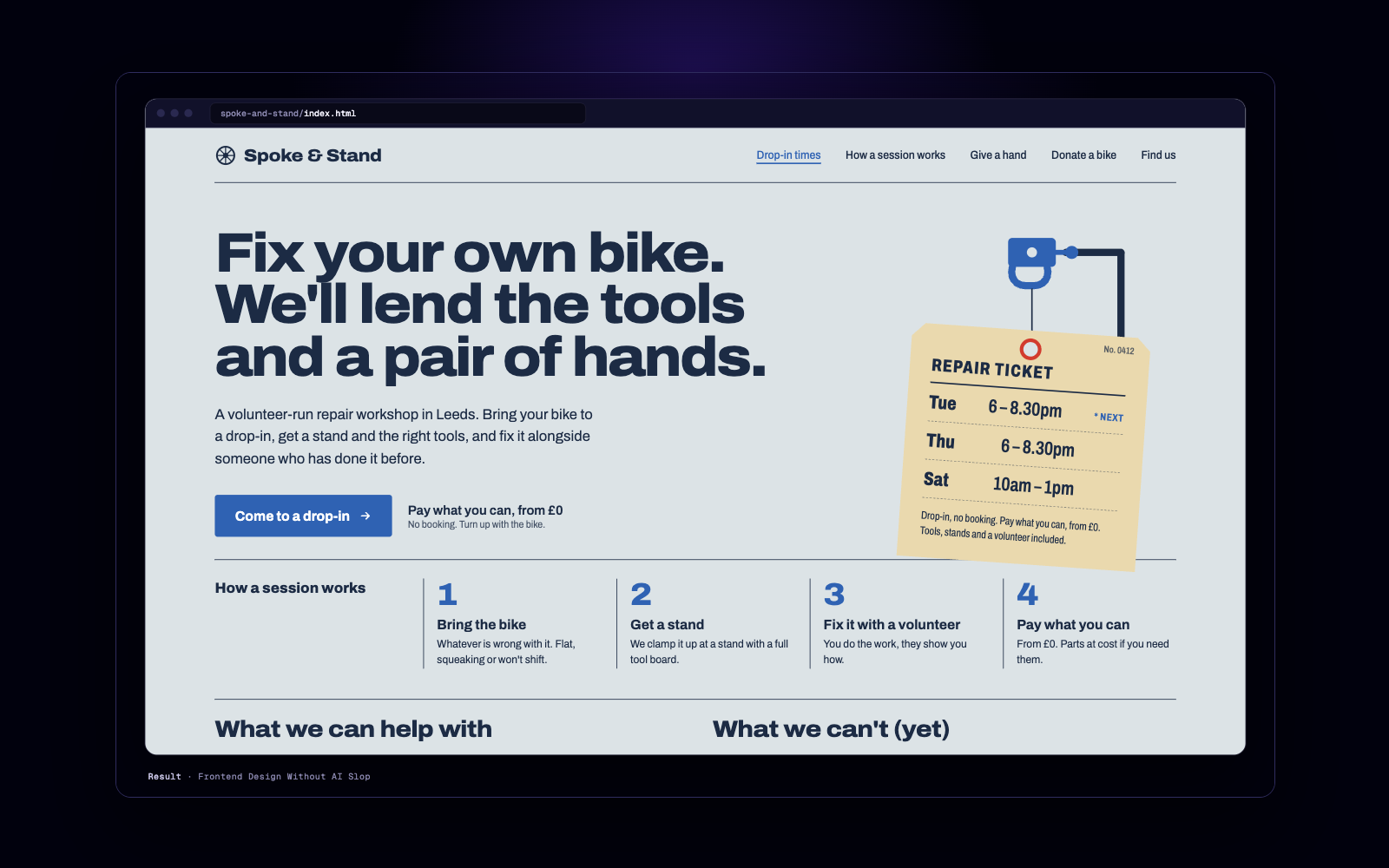
Frontend Design Without AI Slop
Makes your agent plan a design for your subject, check it against the generic AI look, then build. No cream-and-terracotta defaults.
Browse everything that runs in each tool on the Claude Code skills and Cursor skills pages.