A SKILL.md file is a set of instructions your coding agent loads when a task matches. Writing one is closer to briefing a capable new colleague than to programming. The format is simple. The hard part is getting the agent to pick the skill at the right time and then actually follow it.
This guide walks through each part of the file, then shows a complete skill you can copy. It follows the open specification at agentskills.io, which Claude Code, Cursor, Codex, GitHub Copilot and Gemini CLI all read. If you are new to the concept, start with what agent skills are.
The anatomy of a skill
A skill is a folder. The folder name is the skill's name, and inside it SKILL.md is required. Everything else is optional:
pr-description/
  SKILL.md
  references/
    examples.md
  scripts/
    collect_diff.sh
SKILL.md has two parts: YAML frontmatter between --- lines, and a Markdown body.
Part 1: Frontmatter
The spec requires two fields.
name. 1 to 64 characters, lowercase letters, numbers and hyphens only. It cannot start or end with a hyphen or contain two hyphens in a row, and it must match the folder name. pr-description is valid; PR_Description and pr--description are not.
description. 1 to 1024 characters. What the skill does and when to use it. This is the most important line in the file, so it gets its own section below.
Optional spec fields are license, compatibility (environment requirements, up to 500 characters), metadata (a map of string keys to string values, for example author and version) and allowed-tools (experimental, support varies).
Agents add their own fields on top. Claude Code and Cursor both support disable-model-invocation: true, which stops the agent from loading the skill on its own so it only runs when you call it by name. Use it for skills that take actions, like deploying. Claude Code supports many more (paths, model, context and others). Agents ignore fields they do not know, but if you plan to upload a skill to claude.ai, stick to the spec fields: Claude's upload rejects anything else.
Two mechanical rules that cause most "invisible skill" bugs: the opening --- must be the very first line of the file, and the YAML must parse. In Claude Code, a broken frontmatter still loads the skill but with no fields, so your description silently disappears.
Part 2: A description that triggers
At the start of each session, the agent sees only each skill's name and description. It decides whether to load your skill from those few words. So the description has two jobs:
- Say what the skill produces, concretely.
- Say when to use it, in the words a user would actually type.
Compare:
- Weak: "Helps with pull requests."
- Strong: "Writes a pull request description from the current branch's diff: summary, why, how to test, risks. Use when the user asks for a PR description, PR body, merge request text, or says they are about to open a PR."
The strong version names the output, lists trigger phrases, and covers synonyms ("merge request"). A few more tips:
- Put the main use case first. Claude Code truncates long descriptions in its skill list (at 1,536 characters), and every agent weighs the opening words most.
- Write in the third person about what the skill does, not "I can help you".
- Say when not to use it if there is an obvious neighbour: "Not for commit messages."
- Do not stuff keywords. A list of fifty terms makes the skill fire on unrelated tasks.
Part 3: The body
The body loads in full once the skill is triggered. The spec recommends keeping it under about 5,000 tokens and 500 lines; move anything longer to separate files. There is no required structure, but this order works well:
- Goal. One or two sentences: what done looks like.
- Inputs. What the agent must gather or ask for before starting.
- Steps. Numbered, each one a concrete action.
- Output format. A template of the exact result.
- Rules. The few hard constraints, phrased as checkable statements.
- Example. One short input and output pair, or a pointer to a reference file.
Write instructions the agent can check itself against. "Be concise" is not checkable. "The summary is at most three sentences" is. Explain the reason behind a non-obvious rule in a few words: agents follow rules better when they know why, and they handle edge cases more sensibly.
- Claude Code
- Codex
- Copilot
- +2
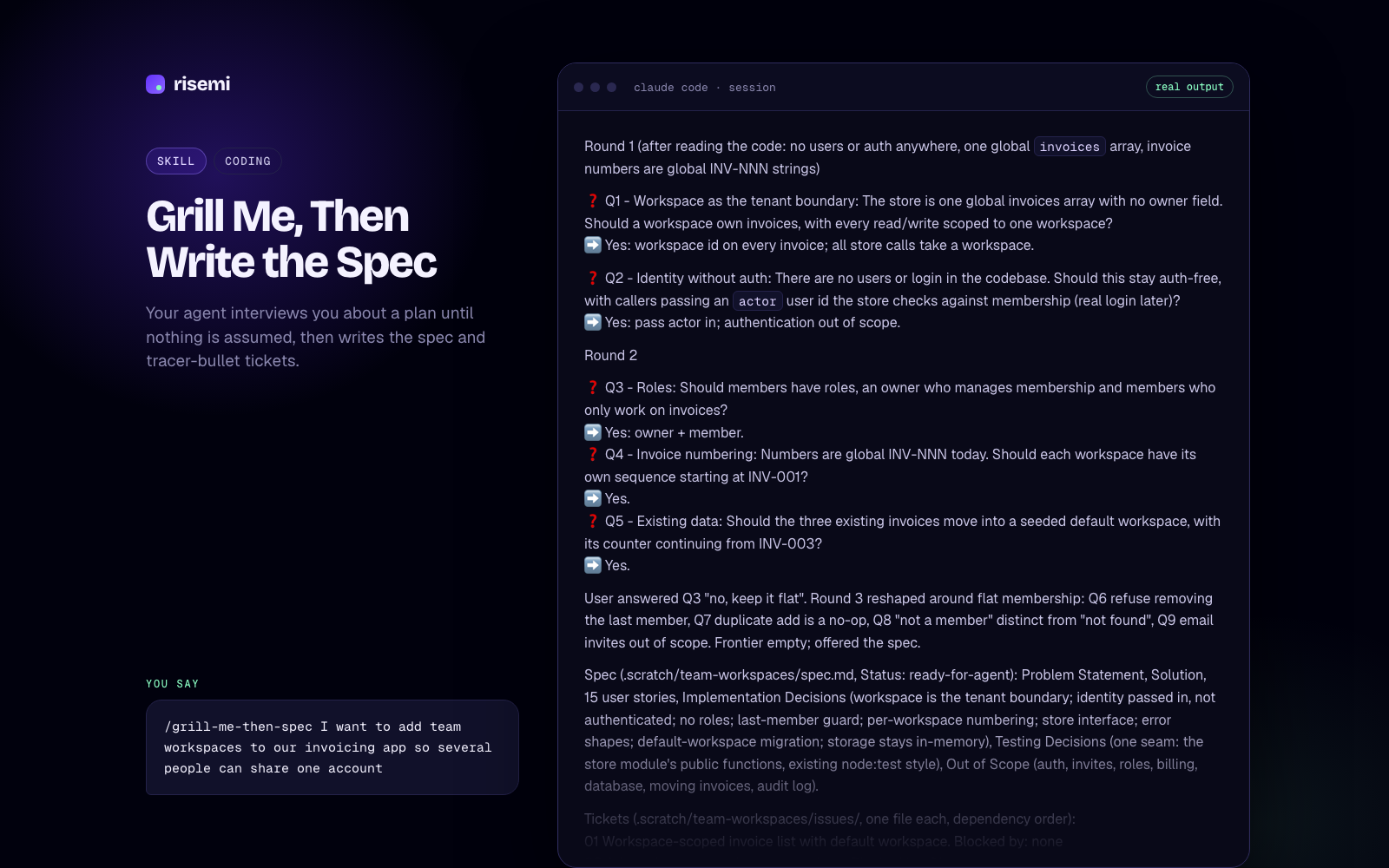
Grill Me, Then Write the Spec
Your agent interviews you about a plan until nothing is assumed, then writes the spec and tracer-bullet tickets.
Project: fresh `npm init -y` + `npm i -D vitest typescript` (Vitest 5.1.0, TypeScript strict). Every runner output below is pasted from the actual run.

Behaviour list (simplest first): 1. returns empty for blank input · 2. returns the address trimmed and lowercased when valid · 3. returns malformed when there is no @ · 4. returns malformed when there is more than one @ · 5. returns malformed when the domain has no dot · 6. returns too_long when the address is over 254 characters

Cycle 1: returns empty for blank input

```
[TDD] cycle 1/6  step RED  behaviour: returns empty for blank input
test:    src/validateEmail.test.ts > validateEmail > returns empty for blank input
ran:     npx vitest run src/validateEmail.test.ts -t "returns empty for blank input"
result:  FAIL  Error: Cannot find module './validateEmail' imported from <project>/src/validateEmail.test.ts
reason:  right (the unit under test does not exist yet: missing function, not a typo in the test)
changed: src/validateEmail.test.ts (+8, new file)
next:    minimum code in src/validateEmail.ts
```

```
[TDD] cycle 1/6  step GREEN  behaviour: returns empty for blank input
ran:     npx vitest run src/validateEmail.test.ts -t "returns empty for blank input" --reporter=verbose; npx vitest run src/validateEmail.test.ts
result:  PASS  Tests 1 passed (1)
changed: src/validateEmail.ts (+9, new file: result types + hard-coded `{ ok: false, error: 'empty' }`)
next:    refactor
```

Refactor: no refactor (hard-coded return is forced into the general version by cycle 2).

[Cycles 2–6 follow the same shape: each RED shows a real assertion mismatch such as `Tests 1 failed | 1 skipped (2)`, each GREEN the passing count, with refactors in cycles 5 and 6.]

Done

```
[TDD] DONE  cycles 6  tests added 6  suite PASS
ran:     npm test   (vitest run)   and   npx tsc -p .
result:  Test Files  1 passed (1) | Tests  6 passed (6); tsc exit 0
pre-existing failures: none (no tests existed)
found, not fixed: the 254 boundary itself (exactly 254 chars accepted) has no test; it passes today, so a test would be green on first run. 'a@.com' and 'a@b.' are accepted because the spec only asks for a dot in the domain.
```

No-fake-green check before every GREEN: no `.skip`/`.todo`, no assertion weakened, no test-only branch, nothing mocked.- Antigravity
- Claude Code
- Codex
- +3
Red-Green TDD Loop
Use it to make your coding agent build every change test-first: one failing test, the minimum code, a refactor, and a status block after each step.
Part 4: references and scripts
Supporting files are loaded only when the body tells the agent to read them, so they cost nothing until needed.
references/holds longer documentation: style guides, API notes, extended examples. Point to them with a relative path and say when to read them: "If the diff touches database migrations, readreferences/migrations.mdfirst."scripts/holds code the agent can run. Use a script when the step is deterministic and the agent would otherwise improvise it: collecting a diff, validating a file, converting formats. Make scripts self-contained and print clear errors.assets/holds templates and data files.
Keep references one level deep. A reference that points to another reference that points to a third tends to get skipped.
The full worked example
Here is a complete, working skill. Save it as .claude/skills/pr-description/SKILL.md for Claude Code, or .agents/skills/pr-description/SKILL.md for Cursor or Codex.
---
name: pr-description
description: Writes a pull request description from the current branch's changes, with summary, motivation, testing steps and risks. Use when the user asks for a PR description, PR body, merge request text, or says they are about to open a pull request. Not for commit messages.
metadata:
  author: your-team
  version: "1.0"
---

# PR description

Goal: a description a reviewer can read in under two minutes and know what changed, why, how to verify it, and what could break.

## Inputs

1. Find the base branch. Use `main` unless the user names another one.
2. Run `git log --oneline <base>..HEAD` and `git diff --stat <base>...HEAD`.
3. Read the full diff for any file with more than 20 changed lines.
4. If there is a linked issue in the branch name or commits (for example `fix/123-login`), note the number.
5. If you cannot tell why the change was made, ask the user one question before writing. Do not guess the motivation.

## Steps

1. Group the changes by user-visible effect, not by file.
2. Write the summary first, then the other sections.
3. For testing steps, prefer commands that exist in this repo (check package.json, Makefile or README).
4. List risks only if they are real: schema changes, changed public APIs, new env vars, removed behaviour, performance-sensitive paths.
5. Check the result against the rules below before showing it.

## Output format

## Summary
<1-3 sentences, what changes for the user or the system>

## Why
<the problem or request this solves; link the issue if found>

## Changes
- <one line per user-visible change>

## How to test
1. <command or click path>
2. <expected result>

## Risks
- <risk and how it is mitigated, or "None identified">

## Rules

- The summary is at most three sentences and contains no file names.
- Every item under Changes maps to something in the diff. Do not describe changes that are not in the diff.
- Mention every new environment variable and every migration by name under Risks.
- No marketing words ("robust", "seamless", "powerful").
- If the diff is over 800 changed lines, say so in the summary and suggest splitting the PR.

## Example

For a longer example of a finished description, read `references/example.md`.
Notice the pattern: trigger phrases and a boundary in the description, fact-gathering before writing, a literal output template, and rules the agent can verify. references/example.md is optional.
Part 5: Testing your skill
Treat a skill like code: try it before you trust it.
- Check it loads. In Claude Code run
/skills; in Codex run/skills; in Cursor type/in Agent chat and look for the name. Install steps are in our guides for Claude Code, Cursor and Codex. - Test triggering. In a fresh session, ask three or four realistic requests without naming the skill ("write up this PR for me", "I'm opening a merge request"). Then ask two that should not trigger it ("write a commit message"). Adjust the description until both sets behave.
- Test the output. Run the skill on a real task and check each rule. Every rule that was broken is a sign the instruction is unclear or buried.
- Validate the format. The agentskills.io reference tool checks frontmatter and naming:
skills-ref validate ./pr-description. - Watch long sessions. In long conversations the agent may compact older context, and skill instructions can fade. Put the important rules early in the body.
Common mistakes
- A vague description. The skill never triggers, or triggers on everything.
- **Folder name and
namedo not match.** Some agents refuse the skill; others list it under a different name. - Frontmatter not on line one. A blank line or a comment above
---breaks it. - A wall of advice instead of steps. "Consider good practices for X" gives the agent nothing to do.
- Everything in one file. A 1,500-line
SKILL.mdcosts context every time it loads. Move reference material out. - Explaining what the agent already knows. Spend words on your conventions, not on how git works.
- No output format. Without a template, every run looks different.
If you would rather start from skills that already went through this testing, the coding skills on Risemi are written and tested in-house, and the free ones are a good set to read for structure.
- ChatGPT
- Claude
- Claude Code
- +4
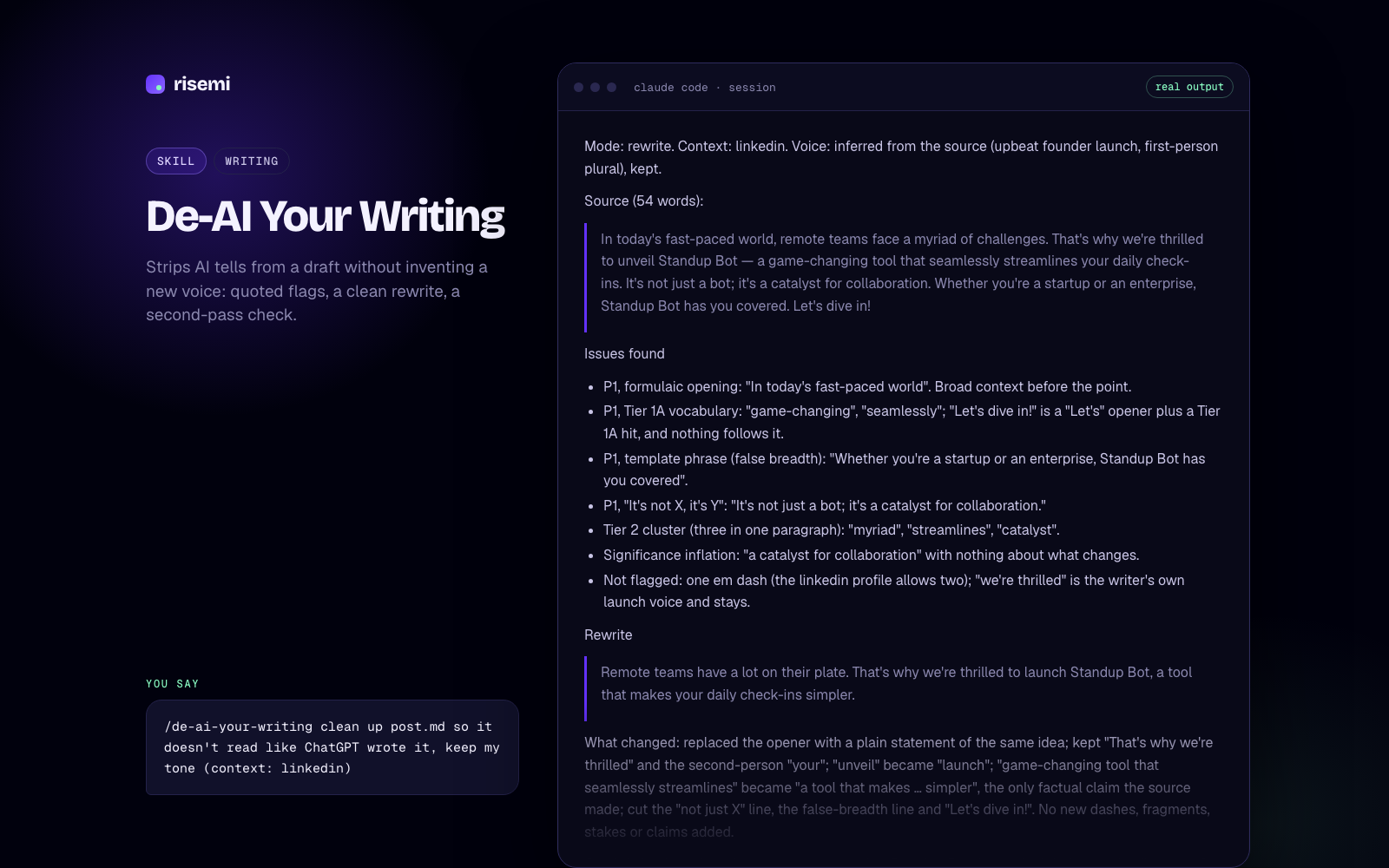
De-AI Your Writing
Strips AI tells from a draft without inventing a new voice: quoted flags, a clean rewrite, a second-pass check.
2. Tool design

| Tool | Does | Inputs (constraints) | Returns | Read-only / destructive | Errors the model can fix |
|---|---|---|---|---|---|
| `find_customers` | Customers whose name or email contains the text, case-insensitive | `query` string 1–100 (trimmed), `limit` int 1–50 = 20, `cursor` optional | id, name, email; `next_cursor` | read-only, idempotent | no match: try a shorter part of the name or the email domain |
| `list_customer_orders` | One customer's orders, newest first | `customer_id` int ≥ 1, `status` enum optional, `limit`, `cursor` | customer + orders; `next_cursor` | read-only, idempotent | unknown customer: call `find_customers` |
| `get_order` | One order with the customer's name and email | `order_id` int ≥ 1 | order + customer (structured) | read-only, idempotent | not found: check the number or list the customer's orders |
| `refund_order` | Sets a paid order to refunded | `order_id` int ≥ 1, `confirm` int optional, must equal `order_id` | updated order, `previous_status: "paid"` | destructive, idempotent | no `confirm`: preview, ask the user; order pending or already refunded; not found |

Checklist notes: one rule for empty results (an `isError` result with a next step), applied to every tool. All SQL is parameterized. Read tools use a read-only SQLite handle; only `refund_order` opens a writable one, and its `UPDATE ... WHERE id = ? AND status = 'paid'` is a single statement. The guard on the destructive tool is server-side (the preview/confirm step), not just the `destructiveHint` annotation.

3. Scaffold

From `templates/typescript-server.md`. Installed: `@modelcontextprotocol/server` 2.4.0, `@modelcontextprotocol/client` 2.4.0, `zod` 4.6.7; Node 24.6.0.

```
build-an-mcp-server/
  data/seed.sql, data/shop.db     3 customers, 5 orders
  src/index.ts                    stdio entry point
  src/server.ts                   createServer(): the four tools
  src/shop.ts                     SQLite client module (the system being wrapped)
  test/smoke.ts                   spawns the server over stdio, calls every tool
```

5. Test (Inspector CLI, eval loop layer 2)

```
$ npx @modelcontextprotocol/inspector --cli npx tsx src/index.ts --method tools/call --tool-name get_order --tool-arg order_id=1001
{
  "content": [{ "type": "text", "text": "Order #1001 for Ada Lovelace <ada@example.com>: $49.99, paid, created 2026-10-02T09:15:00Z" }],
  "structuredContent": { "order": { "id": 1001, "customer_id": 1, "total_cents": 4999, "status": "paid", "created_at": "2026-10-02T09:15:00Z", "customer_name": "Ada Lovelace", "customer_email": "ada@example.com" } }
}
```

Built, tested, not tested

- Built: four tools over `data/shop.db`, server-side preview/confirm guard on `refund_order`, smoke test, configs for Claude Code, Codex and Cursor, README.
- Tested: starter smoke (pass), full smoke test 14 checks (pass), strict typecheck (pass), Inspector CLI call (pass), seed database unchanged after tests.
- Not tested: the Inspector web UI by hand and the model check (running the five real requests through a live Claude Code session and recording which tool it picks).

[The full answer also holds `src/shop.ts`, `src/server.ts`, `test/smoke.ts` and the three client config snippets.]- Antigravity
- Claude Code
- Codex
- +3
Build an MCP Server
Use it to design, build, test and ship an MCP server your agents use well: 3 to 7 well-designed tools, a tested starter and ready client configs.