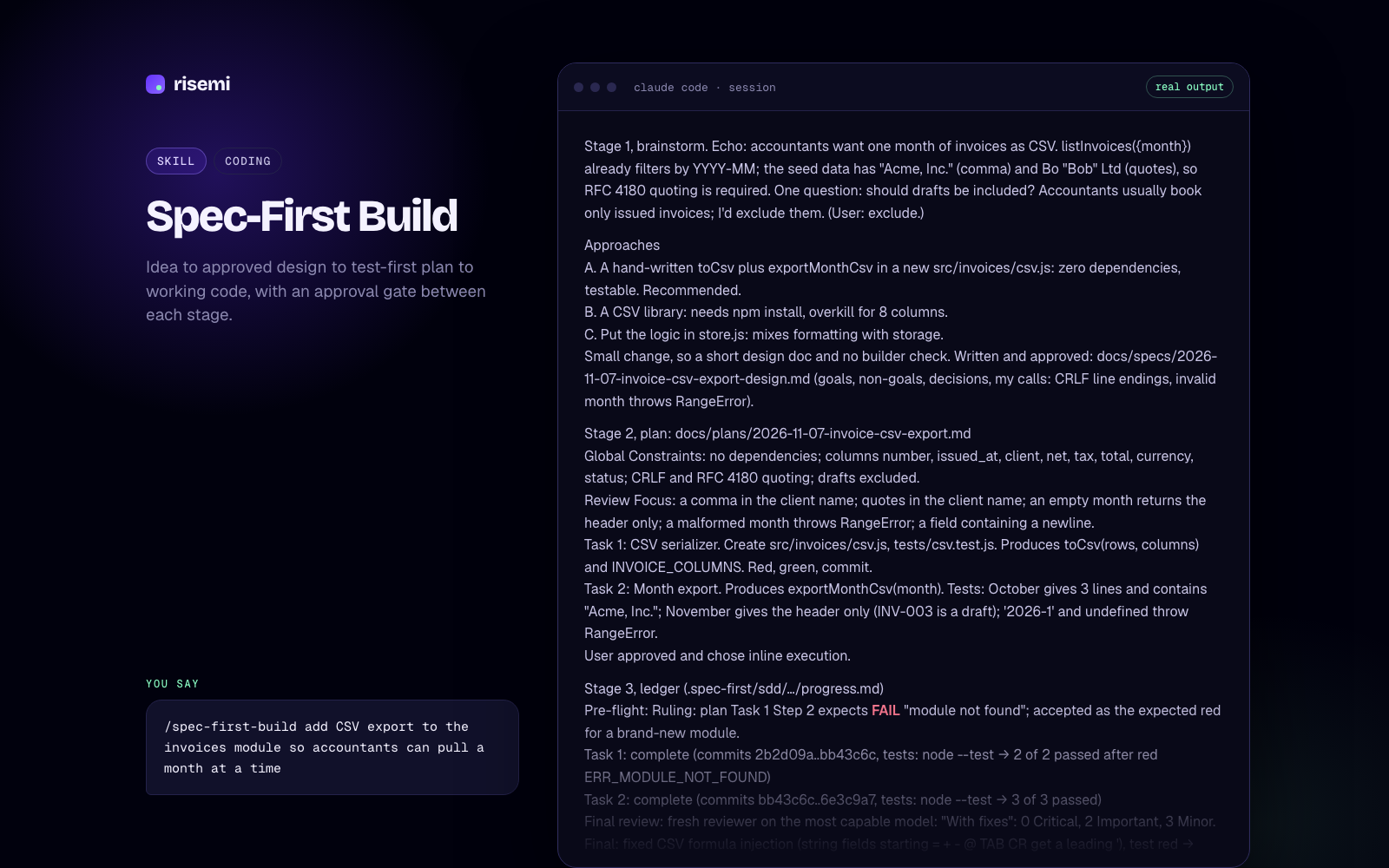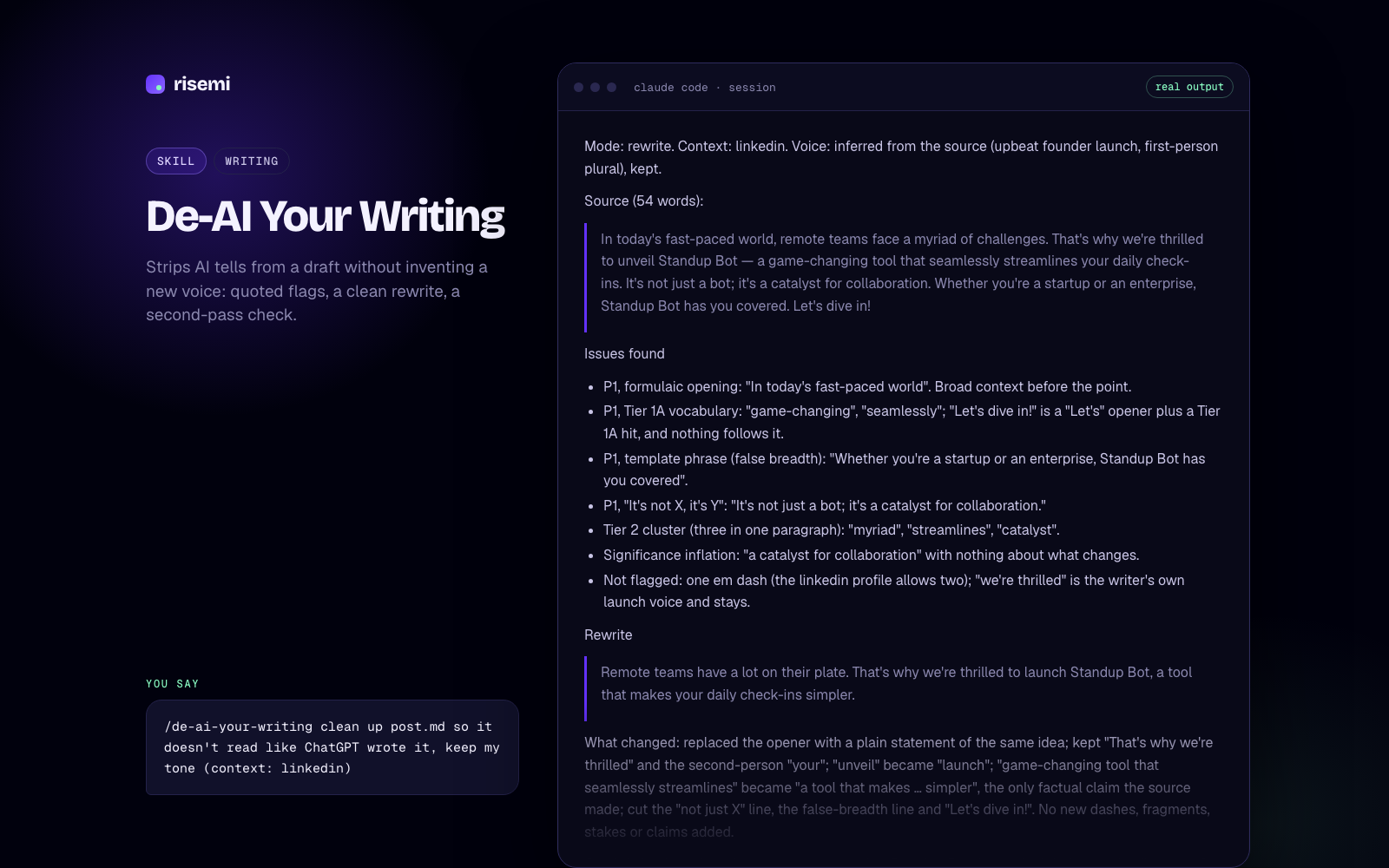
An agent skill is a folder of instructions that an AI agent can pick up when it needs them. At minimum the folder holds one file, SKILL.md, with a short header (a name and a description) and a body of instructions in plain Markdown. The agent reads the header of every installed skill at the start of a session, and reads the full body only when your request matches what the description says the skill is for.
That is the whole idea. A skill is a reusable playbook that sits on disk, costs almost nothing until it is used, and gets pulled in automatically at the right moment.
What a skill looks like
Here is the smallest valid skill. It lives in a folder named after the skill, for example .claude/skills/release-notes/SKILL.md:
---
name: release-notes
description: Writes user-facing release notes from the git log since the last tag. Use when the user asks for release notes, a changelog entry or "what shipped".
---

1. Run `git describe --tags --abbrev=0` to find the last tag.
2. List commits since that tag.
3. Group them under Added, Changed and Fixed. Drop refactors and chores.
4. Write one plain sentence per item, from the user's point of view.
The frontmatter between the --- lines is YAML. The open specification at agentskills.io requires two fields: name (lowercase letters, numbers and hyphens, up to 64 characters, matching the folder name) and description (up to 1024 characters, saying what the skill does and when to use it). Everything below the frontmatter is free-form instructions.
A skill can also carry extra files next to SKILL.md. The convention is scripts/ for code the agent can run, references/ for longer documentation, and assets/ for templates or data. The body points to them by relative path, and the agent opens them only if it gets that far.
How agents load skills: progressive disclosure
The reason skills scale is that the agent does not read them all at once. The specification describes three layers:
- Metadata. The
nameanddescriptionof every installed skill, roughly 100 tokens each, are loaded when the session starts. - Instructions. The full
SKILL.mdbody is loaded when the agent decides the skill is relevant. The spec recommends keeping it under about 5,000 tokens and 500 lines. - Resources. Files in
scripts/,references/orassets/are read only when the instructions call for them.
So you can install twenty skills and pay for twenty short descriptions, not twenty full playbooks. This is also why the description matters so much: it is the only part the agent sees when deciding whether to use the skill. If you want to write your own, our guide on how to write a SKILL.md covers descriptions in detail.
Skills vs prompts
A prompt is text you paste into a chat for one task. A skill is text the agent finds and applies by itself, across sessions, whenever the task fits.
| Prompt | Skill | |
|---|---|---|
| Where it lives | Your clipboard or a notes app | A folder in your project or home directory |
| Who triggers it | You, by pasting | The agent, by matching the description (or you, by name) |
| Works in | Any chat: ChatGPT, Claude, Gemini | Agents that support the skills format |
| Can include files and scripts | No | Yes |
| Best for | One-off writing, analysis, images | Repeatable workflows in a codebase or project |
Neither is better. A prompt for a cold email is fine as a prompt. A test-first workflow you want enforced on every change is better as a skill, because you will forget to paste it.
Skills vs MCP, rules and custom instructions
People often mix these up. They solve different problems.
MCP (Model Context Protocol) connects an agent to external tools and data: a database, GitHub, a browser, your company's API. An MCP server gives the agent new abilities. A skill gives the agent know-how about how to use the abilities it already has. They combine well: a skill can say "use the GitHub MCP tools to open the PR, then do X". If you want to build the connector side, see Build an MCP Server.
Rules and custom instructions (CLAUDE.md, AGENTS.md, Cursor rules, Copilot instructions) are usually always on. They are loaded into every session, so they are the right place for short facts that always apply: "we use pnpm", "tests live in __tests__". They are the wrong place for a 200-line debugging procedure you need twice a week, because you pay for it in every conversation. That procedure belongs in a skill.
A rough rule of thumb:
- Always true for this project, and short: put it in rules or
AGENTS.md. - A procedure for a specific kind of task: make it a skill.
- Access to a system the agent cannot reach yet: add an MCP server.
Which agents support skills
The SKILL.md format started at Anthropic and is now an open spec that several agents read. As of November 2026 these are the folders each agent scans (project folder first, then your personal folder):
| Agent | Project folder | Personal folder |
|---|---|---|
| Claude Code | .claude/skills/<name> | ~/.claude/skills/<name> |
| Cursor | .agents/skills/<name> | ~/.cursor/skills/<name> |
| OpenAI Codex | .agents/skills/<name> | ~/.agents/skills/<name> |
| GitHub Copilot | .github/skills/<name> | ~/.copilot/skills/<name> |
| Gemini CLI | .agents/skills/<name> | ~/.gemini/skills/<name> |
Some agents read extra folders too. Cursor, for example, also loads .cursor/skills/ and, for compatibility, .claude/skills/. OpenCode and Windsurf (now Devin Desktop) read .agents/skills/ as well; check their docs for personal folders. Step-by-step setup is in our guides for Claude Code, Cursor and Codex, and Claude Code vs Cursor skills compares the two side by side.
Because the core format is shared, one SKILL.md usually works across agents unchanged. Agent-specific frontmatter keys (Claude Code has several, like disable-model-invocation or allowed-tools) are ignored by agents that do not know them.
What skills are good for
Skills earn their place when you keep explaining the same process to your agent. Common examples:
- A working method the agent should follow, like test-first development or root-cause debugging.
- A review checklist applied to every pull request.
- A house style for writing, design or API conventions.
- A multi-step workflow with scripts, like generating release notes from git.
The best skills change how the agent behaves, not just what it knows. "Write a failing test before any code, and stop if it passes" is a skill. "React is a UI library" is not.
Phase 1: Root cause investigation
Full suite: FAIL test_expired_coupon_rejected_twice (tests/test_checkout.py:16) AssertionError: Coupon(code='OLD50', …expires_at=2020-01-01…) is not None.
In isolation the same test fails at a different line (17): AssertionError: 50.0 != 100.0. So the first lookup in a process is rejected and every later lookup is accepted; in the full suite the first lookup was done by test_expired_coupon_rejected. Cross-test pollution through module-level state.
Cache probe at the boundary: cache before [] → 1st None → cache after ['OLD50'] → 2nd Coupon(OLD50). Docstring says the cache was added in 3f2a1c9 "to cut DB reads": that is the regression point.
Trace (root-cause-tracing.md): apply_coupon → get_coupon → `if code in _CACHE: return _CACHE[code]`. get_coupon writes the coupon to _CACHE before the expiry check, and the cache-hit branch has no expiry check at all.

Phase 2: Pattern analysis
Working path: cache miss → _load → expiry check. Broken path: cache hit. Expiry depends on `now`, passed per call, so it cannot be a cached property; "don't cache expired coupons" alone would still serve a coupon cached while valid after it expires.

Phase 3: Hypothesis
"get_coupon returns cached coupons without re-checking expires_at against the caller's now; the cache was added around the lookup but the validity check stayed only on the miss path." Confirmed by the probe above.

Phase 4: Implementation
Failing test first: test_cached_coupon_rechecked_for_expiry (look up while valid, then after expiry) plus a setUp that clears the module cache. Before the fix: 5 tests, 2 failures, both for the expected reason.
Fix at the source: the cache stores the raw record; the expiry check runs on every lookup, cached or not.

    c = _CACHE.get(code)
    if c is None:
        c = _load(code)
        if c is None:
            return None
        _CACHE[code] = c
    if c.expires_at < now:
        return None
    return c

Verification: python3 -m unittest -v → Ran 5 tests … OK. The originally failing test in isolation, 3 runs: OK, OK, OK. Fix attempts: 1.- Claude Code
- Codex
- Copilot
- +2
Systematic Debugging Loop
Stops your coding agent from guessing: root cause first, one hypothesis at a time, failing test before the fix.
- Claude Code
- Codex
- Copilot
- +2
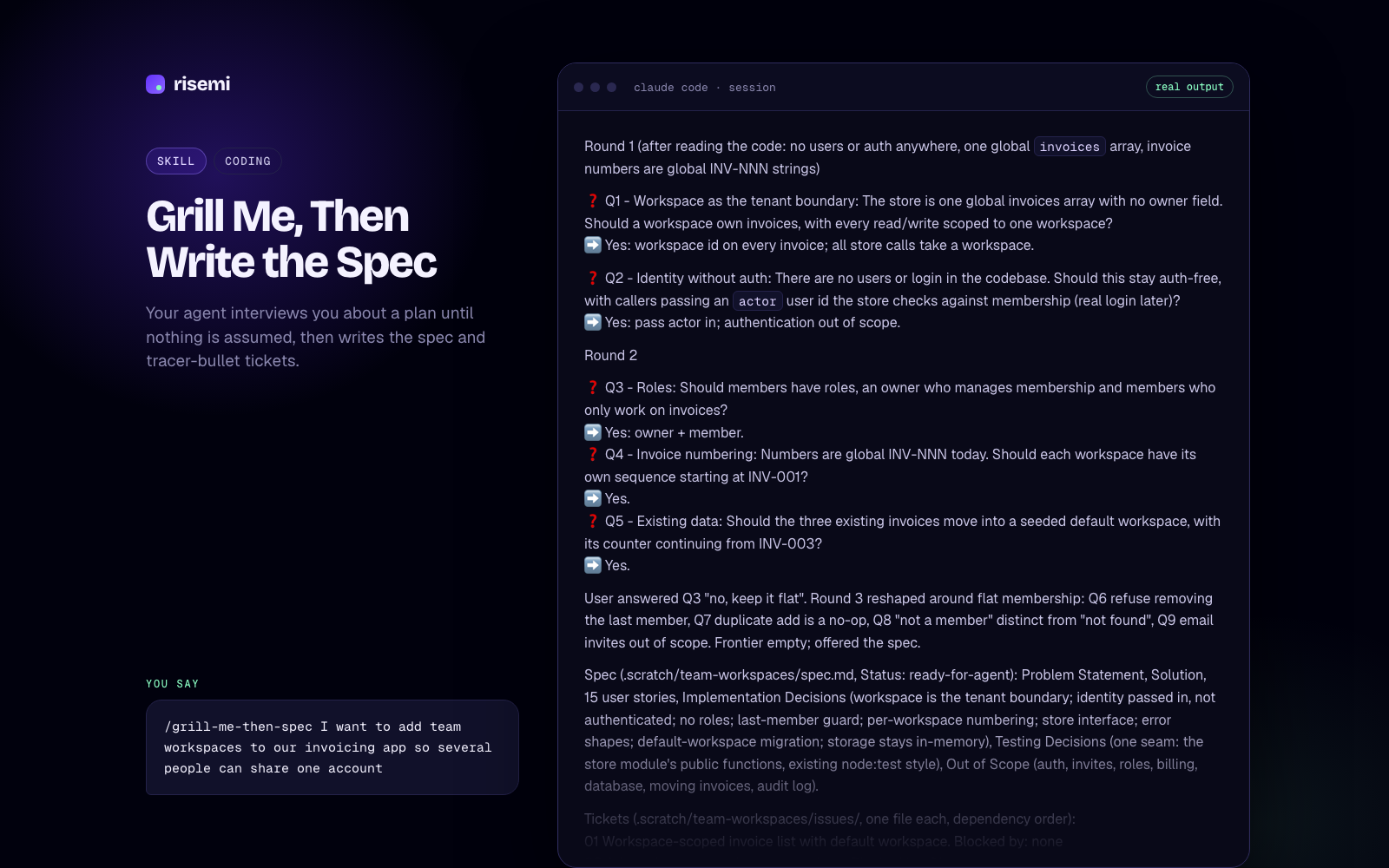
Grill Me, Then Write the Spec
Your agent interviews you about a plan until nothing is assumed, then writes the spec and tracer-bullet tickets.
Where Risemi fits
Risemi sells skills and prompts that we write and test in-house. Each skill is a ready folder with a SKILL.md. To install one, you paste a single line into your agent:
Read https://risemi.io/p/<slug>/install.md and follow it to install the "<slug>" skill into this agent.The agent reads the guide and puts the folder in the right place. A command-line installer (npx risemi add <slug>) is shipping this week; until it is on npm, every product page also offers a ZIP you unzip into your agent's skills folder. Free skills need a free account; paid ones are a one-time purchase or included in Risemi Pro. Browse the Claude Code skills or all coding skills.