Installing a skill in Claude Code means putting a folder that contains a SKILL.md file in one of two places. Claude Code watches those places, notices the new skill, and from then on uses it whenever your request matches the skill's description. You can also call it by name with a slash command.
This guide covers where the folder goes, how to check that Claude Code sees it, how to use it, and what to fix when it does not work. If you are new to skills, start with what agent skills are.
Step 1: Choose project or personal
Claude Code reads skills from two main locations:
| Scope | Folder | Use it for |
|---|---|---|
| Project | .claude/skills/<skill-name>/SKILL.md | Skills that belong to one repository. Commit the folder and your teammates get it too. |
| Personal | ~/.claude/skills/<skill-name>/SKILL.md | Skills you want in every project on your machine. |
<skill-name> is the folder name, and it should match the name field inside SKILL.md. For example, a test-first skill would live at .claude/skills/tdd-red-green-loop/SKILL.md.
A few details that are useful to know:
- If the same skill name exists in both places, the personal one wins over the project one.
- In a monorepo, Claude Code loads project skills from the folder you started in and each parent folder up to the repository root. A
.claude/skills/folder inside a subfolder is picked up when Claude starts working on files there. - Plugins can also ship skills. Those are namespaced, so they show up as
/plugin-name:skill-nameand do not collide with your own.
Our advice: use the project folder for anything that encodes how this codebase works, and the personal folder for working methods you want everywhere, like a debugging routine.
Step 2: Put the skill folder in place
There are three ways to do it. Pick whichever is easiest.
Option A: let Claude Code install it
For skills from Risemi, open Claude Code in your project and paste one line:
Read https://risemi.io/p/tdd-red-green-loop/install.md and follow it to install the "tdd-red-green-loop" skill into this agent.Claude reads the install guide for that product, asks you project or personal if it needs to, and writes the folder to the right place. Replace the slug with the skill you want. Free skills need a free Risemi account; paid ones need a purchase or Risemi Pro.
Option B: the command line
Risemi's CLI is shipping this week:
npx risemi login
npx risemi add tdd-red-green-loop --agent claude-code
Until it is published on npm, those commands will not work yet. Use option A or C in the meantime.
Option C: download the ZIP
Every Risemi skill page has a ZIP download. Unzip it so the folder sits directly inside the skills folder:
mkdir -p .claude/skills
unzip tdd-red-green-loop.zip -d .claude/skills/
Check the result. You want .claude/skills/tdd-red-green-loop/SKILL.md, not .claude/skills/tdd-red-green-loop/tdd-red-green-loop/SKILL.md. A doubled folder is the most common reason a skill "does not exist". The same steps work for any skill you copy from GitHub or write yourself.
Step 3: Reload if needed
In most cases you do not need to restart. Claude Code watches ~/.claude/skills/ and the project's .claude/skills/, and new or edited skills take effect in the running session.
The exception: if the .claude/skills/ folder itself did not exist when you started the session and you created it mid-session, run /reload-skills. Restarting Claude Code also works. Skills that come from plugins have their own /reload-plugins command for some changes.
Step 4: Check that it loaded
Type /skills in Claude Code. It lists every skill the session can see, with where each one came from. If your skill is in the list, it is installed.
You can also simply ask: "Which skills do you have available?" Claude will name them from the descriptions it loaded.
Step 5: Use the skill
There are two ways to trigger a skill.
Automatically. Just describe your task. If it matches the skill's description, Claude loads the skill and follows it. With a test-first skill installed, "add a discount code field to checkout" should lead Claude to write a failing test before touching the form.
By name. Type / and the skill name, for example /tdd-red-green-loop, then your request. Anything after the name is passed to the skill as arguments. Use this when you want the skill for sure, or when the skill's author set disable-model-invocation: true, which means it only runs when you call it.
Phase 1: Root cause investigation
Full suite: FAIL test_expired_coupon_rejected_twice (tests/test_checkout.py:16) AssertionError: Coupon(code='OLD50', …expires_at=2020-01-01…) is not None.
In isolation the same test fails at a different line (17): AssertionError: 50.0 != 100.0. So the first lookup in a process is rejected and every later lookup is accepted; in the full suite the first lookup was done by test_expired_coupon_rejected. Cross-test pollution through module-level state.
Cache probe at the boundary: cache before [] → 1st None → cache after ['OLD50'] → 2nd Coupon(OLD50). Docstring says the cache was added in 3f2a1c9 "to cut DB reads": that is the regression point.
Trace (root-cause-tracing.md): apply_coupon → get_coupon → `if code in _CACHE: return _CACHE[code]`. get_coupon writes the coupon to _CACHE before the expiry check, and the cache-hit branch has no expiry check at all.

Phase 2: Pattern analysis
Working path: cache miss → _load → expiry check. Broken path: cache hit. Expiry depends on `now`, passed per call, so it cannot be a cached property; "don't cache expired coupons" alone would still serve a coupon cached while valid after it expires.

Phase 3: Hypothesis
"get_coupon returns cached coupons without re-checking expires_at against the caller's now; the cache was added around the lookup but the validity check stayed only on the miss path." Confirmed by the probe above.

Phase 4: Implementation
Failing test first: test_cached_coupon_rechecked_for_expiry (look up while valid, then after expiry) plus a setUp that clears the module cache. Before the fix: 5 tests, 2 failures, both for the expected reason.
Fix at the source: the cache stores the raw record; the expiry check runs on every lookup, cached or not.

    c = _CACHE.get(code)
    if c is None:
        c = _load(code)
        if c is None:
            return None
        _CACHE[code] = c
    if c.expires_at < now:
        return None
    return c

Verification: python3 -m unittest -v → Ran 5 tests … OK. The originally failing test in isolation, 3 runs: OK, OK, OK. Fix attempts: 1.- Claude Code
- Codex
- Copilot
- +2
Systematic Debugging Loop
Stops your coding agent from guessing: root cause first, one hypothesis at a time, failing test before the fix.
- Claude Code
- Codex
- Copilot
- +2
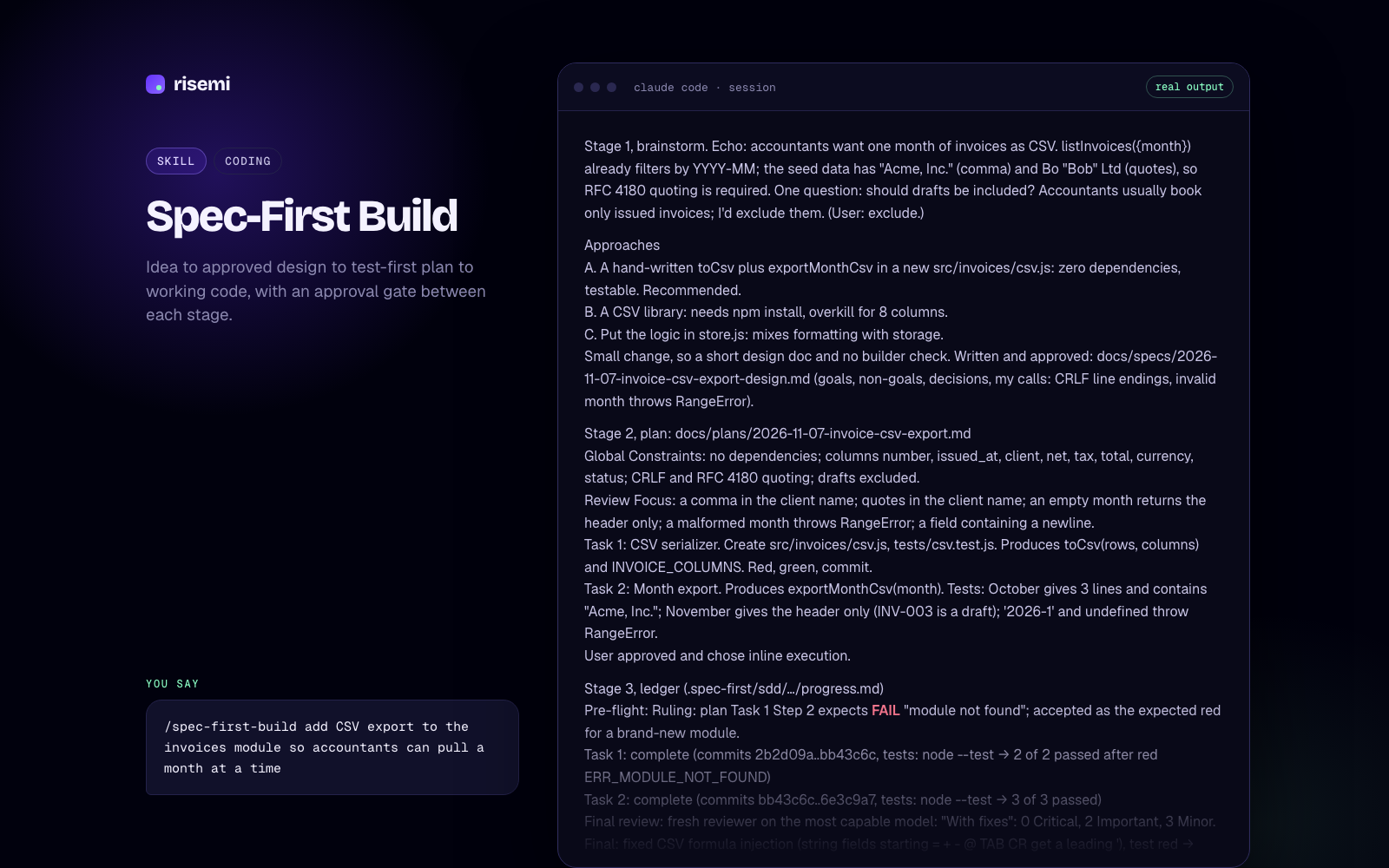
Spec-First Build
Idea to approved design to test-first plan to working code, with an approval gate between each stage.
Troubleshooting
The skill does not appear in /skills
- Check the path. The file must be exactly
.claude/skills/<name>/SKILL.md(capital letters inSKILL.md), one level belowskills/. - Make sure you are in the project you think you are. A project skill only loads in sessions inside that repository.
- If you created the
.claude/skills/folder during the session, run/reload-skillsor restart. - Check the folder name. Claude Code refuses names with control characters, invisible characters or angle brackets. Lowercase letters, numbers and hyphens are safe.
It appears, but Claude never uses it on its own
The description is what Claude matches against. Open SKILL.md and read the description line. If it is vague ("Helps with tests"), Claude has little to match. A good description says what the skill does and when to use it, with words you would actually type: "Use when the user asks to add a feature, fix a bug or change behaviour in code". Claude Code shows the description in its skill list truncated at 1,536 characters, so put the key use case first. See how to write a SKILL.md for more.
Also check the frontmatter. It must start on the very first line of the file with ---. If the YAML has an error, Claude Code still loads the skill but with no fields set, so the description is silently missing. Run claude --debug and look at the log if you suspect a parse problem.
It triggers when you do not want it
Add disable-model-invocation: true to the frontmatter so it only runs when you type /skill-name. Claude Code also supports a paths field that limits automatic use to matching files, for example only src/**/*.ts.
Claude starts following the skill, then drifts
Long sessions get compacted. Claude Code keeps invoked skills in context, but after compaction it re-attaches only the first part of each one. If you notice drift in a long session, invoke the skill again by name or start a fresh session for the next task.
Two skills with the same name
Personal beats project, so a stale copy in ~/.claude/skills/ can hide the updated one in your repo. Delete or rename one of them.
Keeping skills up to date
A skill is just files, so updating means replacing the folder. For project skills, commit the folder to git so the version is tracked and reviewed like any other code. For Risemi skills, re-run the install line or download the new ZIP when a product page shows a newer version.
Browse more in the Claude Code skills catalog or the Claude Code hub. If you also use Cursor, see installing skills in Cursor and how the two compare in Claude Code vs Cursor skills.