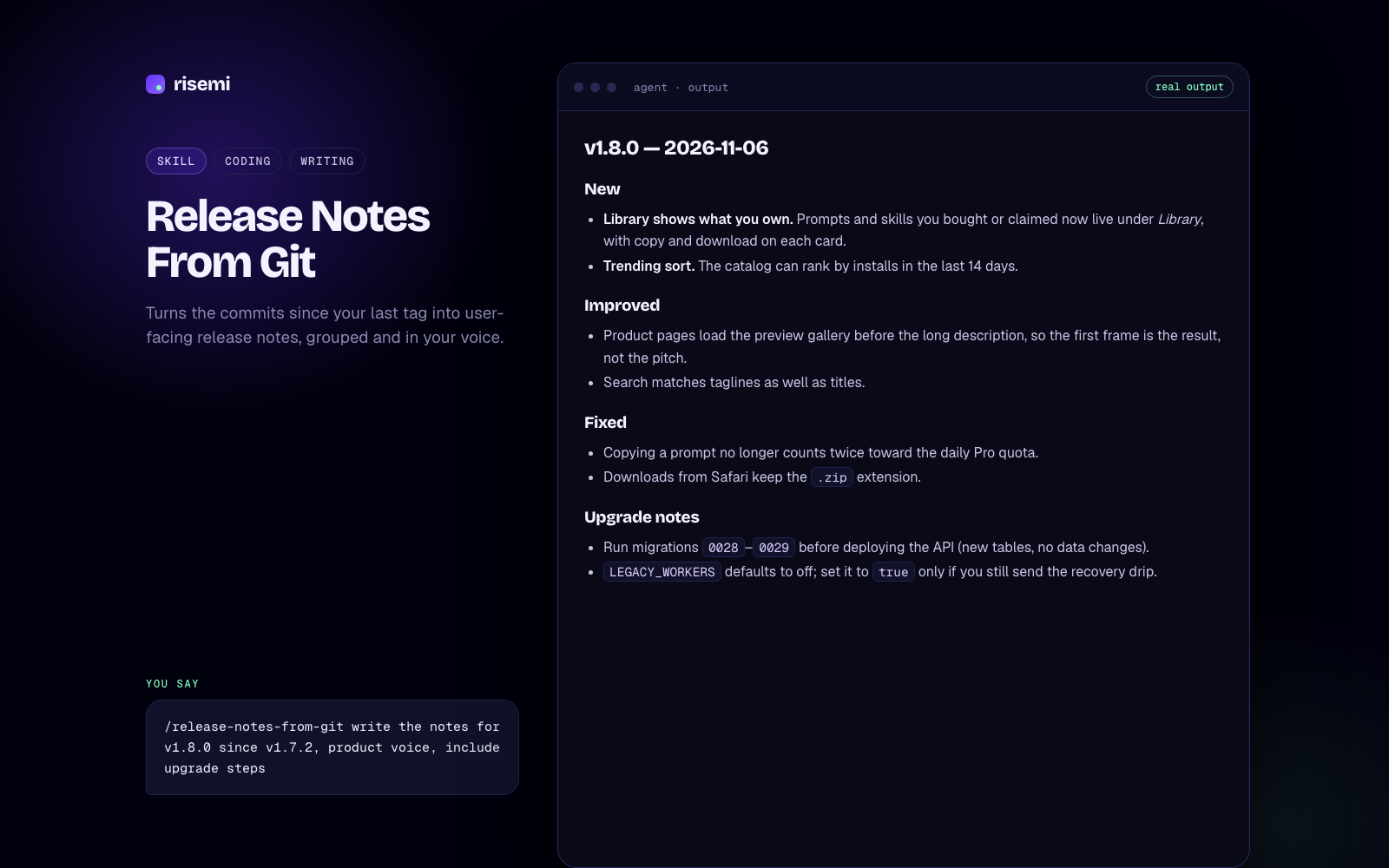
OpenAI Codex supports agent skills in the same SKILL.md format used by Claude Code, Cursor and others. A skill is a folder with a SKILL.md file: a name, a description, and instructions. Codex reads the name and description of every installed skill, and loads the full instructions when your task matches, or when you mention the skill by name.
This guide covers the Codex CLI and the Codex IDE extension. If skills are new to you, what agent skills are explains the idea in five minutes.
Where Codex looks for skills
Codex scans these locations:
| Scope | Folder | Notes |
|---|---|---|
| Repository | .agents/skills/<skill-name>/ | In the current folder and every parent folder up to the repo root |
| User | ~/.agents/skills/<skill-name>/ | Available in every project |
| Admin | /etc/codex/skills/ | Machine-wide, usually set by an administrator |
| System | Bundled with Codex | Includes skill-creator and skill-installer |
The repository rule is useful in monorepos. If you start Codex in apps/api/, it reads apps/api/.agents/skills/, then apps/.agents/skills/, then the root .agents/skills/. So you can keep shared skills at the root and service-specific ones next to the code they describe.
One thing to watch: Codex does not merge skills that share a name. Give every skill a unique name.
Note that .agents/skills/ is the shared folder name. Cursor, Gemini CLI, GitHub Copilot and OpenCode read it too, so a skill you install for Codex at the repo level is often visible to teammates using those tools as well.
Step 1: Install the skill
Let Codex install it
Start Codex in your repository and paste one line:
Read https://risemi.io/p/tdd-red-green-loop/install.md and follow it to install the "tdd-red-green-loop" skill into this agent.Replace the slug with the skill you want. Codex fetches the install guide and writes the folder to .agents/skills/<slug>/ (or to ~/.agents/skills/<slug>/ if you ask for a user-level install). Depending on your approval settings, it will ask before running commands or writing files outside the workspace. Free Risemi skills need a free account; paid ones need a one-time purchase or Risemi Pro.
Use the Risemi CLI
The command-line installer is shipping this week:
npx risemi login
npx risemi add tdd-red-green-loop --agent codex
Until it is on npm, use the line above or the ZIP.
Unzip it by hand
Download the ZIP from the product page and unzip it into the skills folder:
mkdir -p .agents/skills
unzip tdd-red-green-loop.zip -d .agents/skills/
Check that you ended up with .agents/skills/tdd-red-green-loop/SKILL.md and not an extra nested folder. For a user-level install, use ~/.agents/skills/ instead.
Codex's own installer
Codex ships a system skill called skill-installer. Typing $skill-installer followed by a skill name installs from OpenAI's curated list, and you can also ask it to fetch skills from other repositories. That route is handy for public skills; for Risemi products, use the install line or ZIP above.
Step 2: Restart if it does not appear
Codex detects skill changes automatically, so a new folder usually shows up without doing anything. If it does not, restart Codex: quit the CLI session and start it again, or reload the IDE window. Changes to Codex's config.toml always need a restart.
Step 3: Check that Codex sees it
In the Codex CLI or the IDE extension, run /skills. You get the list of available skills. You can also type $ in the composer: Codex suggests skills as you type their names. If yours is listed, it is installed.
Step 4: Use the skill
Implicitly. Describe the task. If it matches the skill's description, Codex can choose the skill by itself. With the test-first skill installed, "add rate limiting to the login endpoint" should start with a failing test.
Explicitly. Mention the skill with $, for example:
$tdd-red-green-loop add rate limiting to the login endpointExplicit mentions are the reliable option when you want a specific skill used, and they still work for skills that have implicit use turned off.
- Claude Code
- Codex
- Copilot
- +1
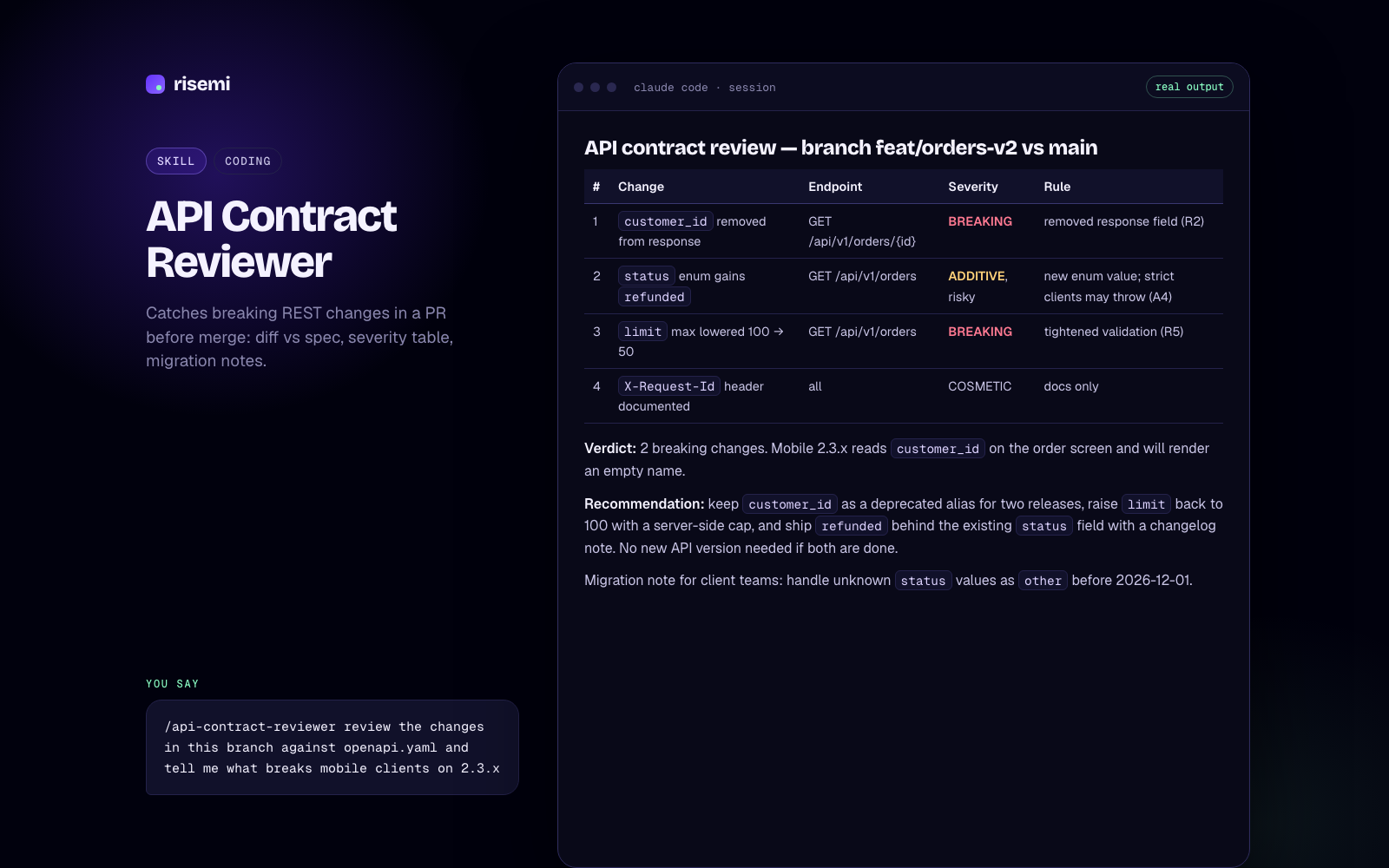
API Contract Reviewer
Catches breaking REST changes in a PR before merge: diff vs spec, severity table, migration notes.
- Claude Code
- Codex
- Copilot
- +2
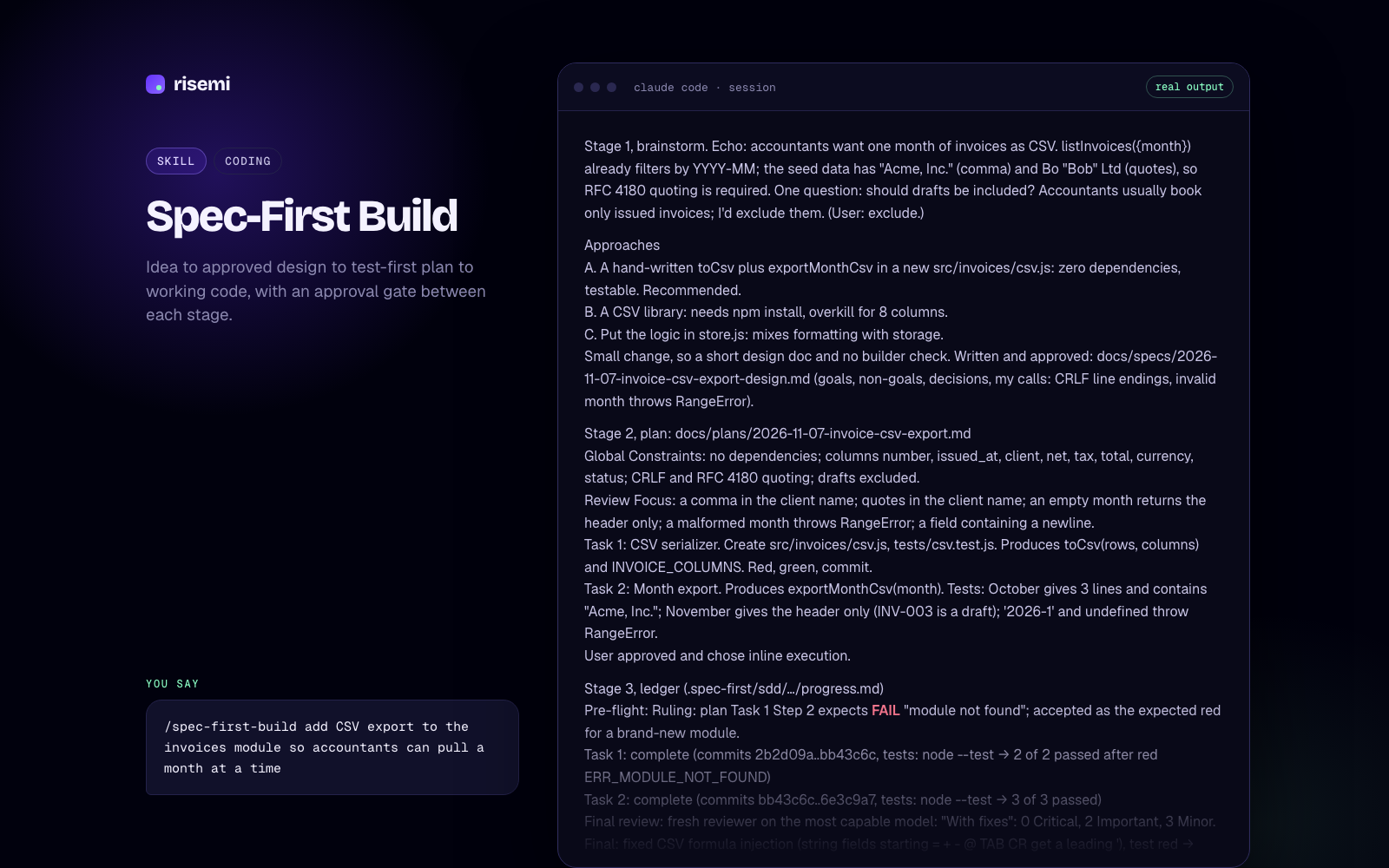
Spec-First Build
Idea to approved design to test-first plan to working code, with an approval gate between each stage.
Optional: agents/openai.yaml
A skill folder can contain an optional agents/openai.yaml file with Codex-specific settings: a display name and icon for the app, tool dependencies, and an invocation policy. The setting you are most likely to need is:
policy:
  allow_implicit_invocation: false
With that set, Codex will not pick the skill on its own, but $skill-name still works. Use it for skills that take actions, like publishing or deploying, where you want to be the one who decides. Other agents ignore this file, so it does not break portability.
Turning a skill off
To disable a skill without deleting it, add an entry to ~/.codex/config.toml:
[[skills.config]]
name = "tdd-red-green-loop"
enabled = false
You can use path with the absolute path to the skill's SKILL.md instead of name. Restart Codex afterwards. To switch off the bundled system skills for one project, set enabled = false under [skills.bundled] in that project's .codex/config.toml (the project must be trusted).
Skills vs AGENTS.md
Codex also reads AGENTS.md files: a global one in ~/.codex and project ones from the repo root down to your current folder. AGENTS.md is loaded into every session, so keep it for short, always-true facts: build commands, test commands, conventions. Codex caps the combined size at 32 KiB, which is another reason not to stuff long procedures in there. A 150-line review checklist or debugging routine belongs in a skill, which costs only its description until it is used.
Troubleshooting
/skills does not list my skill
- Confirm the path:
.agents/skills/<name>/SKILL.md, exact capitals. - Make sure you started Codex inside the repository (or below the folder holding
.agents/skills/). Codex walks up from where it starts, not down. - Check the frontmatter: it must start with
---on the first line and include bothnameanddescription, which Codex requires. - Check for a doubled folder from unzipping.
- Restart Codex.
It is listed but never used automatically
The description is all Codex sees when deciding. Make it say what the skill does and when to use it, in words you would type in a request. Also check that agents/openai.yaml does not set allow_implicit_invocation: false, and that the skill is not disabled in config.toml. Our SKILL.md writing guide has examples of descriptions that trigger.
Two skills fight over the same name
Codex does not merge same-name skills. Rename one folder and its name field.
Next steps
See skills that run in Codex or filter the catalog by Codex. If you also use other agents, the Claude Code and Cursor guides cover their folders.