
Google's Veo 3 family (including Veo 3.1) generates short video clips with sound from a text prompt, an image, or both. The model is capable, but it rewards a particular way of writing. Vague prompts like "a cinematic shot of a coffee shop" give you a pretty, forgettable clip that drifts. Prompts that name one subject, one action, one camera move, the light and the sound give you something you can actually use.
This guide covers the prompt anatomy that works, the constraints you have to design around, and a set of examples you can copy.
What Veo 3 can and cannot do
The details vary by version and by where you use it (the Gemini app, Flow, the Gemini API or Vertex AI), so check the current docs for your surface. As of Google Cloud's Veo 3.1 documentation at the time of writing:
- Clips are 4, 6 or 8 seconds long. Eight seconds is the ceiling for a single generation.
- Aspect ratios are 16:9 (landscape) and 9:16 (vertical).
- Output is 720p or 1080p, with 4K on the standard (non-fast) model, at 24 frames per second.
- Audio is generated with the video: dialogue, sound effects and ambient sound.
- You can start from an image (image-to-video), give a first and last frame, supply reference images of a subject, and extend an existing clip.
Model names and availability change often. Google has been moving preview models to newer releases, so if a model ID in a tutorial no longer works, that is usually why.
The prompt anatomy
Google's own prompt guide lists the elements that matter. In practice, a strong Veo prompt answers these, roughly in this order:
- Subject. Who or what, with specific detail. "A woman in her sixties with silver cropped hair and a navy wool coat" beats "a woman".
- Action. One clear thing that happens in the clip. Eight seconds is short; two actions usually means both look rushed.
- Scene. Location, time of day, weather, period.
- Camera. Shot size and angle (close-up, low angle, over-the-shoulder) and a single movement (slow dolly in, static, handheld, crane up).
- Lens and focus. Wide or telephoto, shallow depth of field, rack focus.
- Light. Name it: soft window light from the left, golden hour backlight, hard overhead fluorescent.
- Style. Film stock, colour grade, or reference genre: "35mm documentary", "clean commercial", "muted teal and amber grade".
- Audio. Ambience, sound effects and dialogue, each in its own sentence.
- Negative prompt. What to keep out.
You do not need all nine every time, but the ones you skip are the ones the model will decide for you.
Writing audio and dialogue
Audio is where Veo 3 differs most from older video models. Google recommends stating clearly that you want audio and describing it in separate sentences. Three layers help:
- Ambience: the room tone or environment. "Quiet café murmur, espresso machine hissing in the background."
- Sound effects: specific events. "The cup clinks as she sets it down."
- Dialogue: a speaker tag and the line. "The barista says: Your usual?" Keep lines short. Eight seconds fits roughly one or two short sentences of natural speech.
If you do not want speech, say so in the negative prompt (for example, include "dialogue, voiceover, subtitles"), otherwise the model may add some.
Writing the negative prompt
Google's guidance is to list what you do not want rather than write instructions like "no" or "don't". "Text overlays, watermark, extra fingers, cartoon style" works better than "don't add text". Some API surfaces have a separate negative-prompt field; in the app, append it to the end of the prompt.
A full example
Subject: a ceramic pour-over coffee dripper on a pale oak counter,
steam rising from a glass carafe below it.
Action: hot water is poured in a slow spiral from a gooseneck kettle
entering from frame right; the coffee bed blooms and bubbles.
Scene: small home kitchen, early morning.
Camera: close-up, slightly above eye level, very slow dolly in. Single move.
Lens: 85mm look, shallow depth of field, background softly blurred.
Light: soft window light from the left, warm, gentle shadows.
Style: clean product commercial, natural colour, fine film grain.
Audio: quiet kitchen ambience with distant birdsong. The gentle trickle of
water and soft bubbling of the coffee. No music.
Negative prompt: text, logos, people's faces, dialogue, voiceover,
fast camera movement, extra kettles.
The labelled format is not required, but it makes it obvious when a field is missing and easy to change one variable at a time.
Writing this from scratch for every idea is slow. A skill can turn a rough one-line idea into a filled anatomy table and a finished prompt in the same structure, which also helps teams keep prompts comparable:
Working inside eight seconds
Most disappointing Veo clips are trying to do a 30-second idea in eight seconds. Rules of thumb:
- One subject, one action, one camera move. If you need a reveal and a reaction, that is two clips.
- Start mid-action. You do not have time for a setup beat. "The door is already half-open" beats "she walks to the door and opens it".
- Let the sound do work. A sharp sound effect at the right moment makes a short clip feel finished.
- Plan for the edit. Treat each clip as one shot in a sequence, not a mini-film.
For product teasers, this constraint is a feature. One hero object, one motion, one camera move, named light and layered sound reads like a real commercial shot:
A matte black wireless earbud case on wet black slate. The lid snaps open
on its own, revealing the earbuds, and a thin wisp of mist drifts across
the frame. Macro close-up, static camera, then a slight push in after the
lid opens. Single cool rim light from behind, deep shadows, glossy
reflections on the wet stone. Audio: a crisp magnetic click as the lid
opens, low sub-bass swell, faint water drip. No music, no voice.
Negative prompt: text, logos, hands, people, colour cast.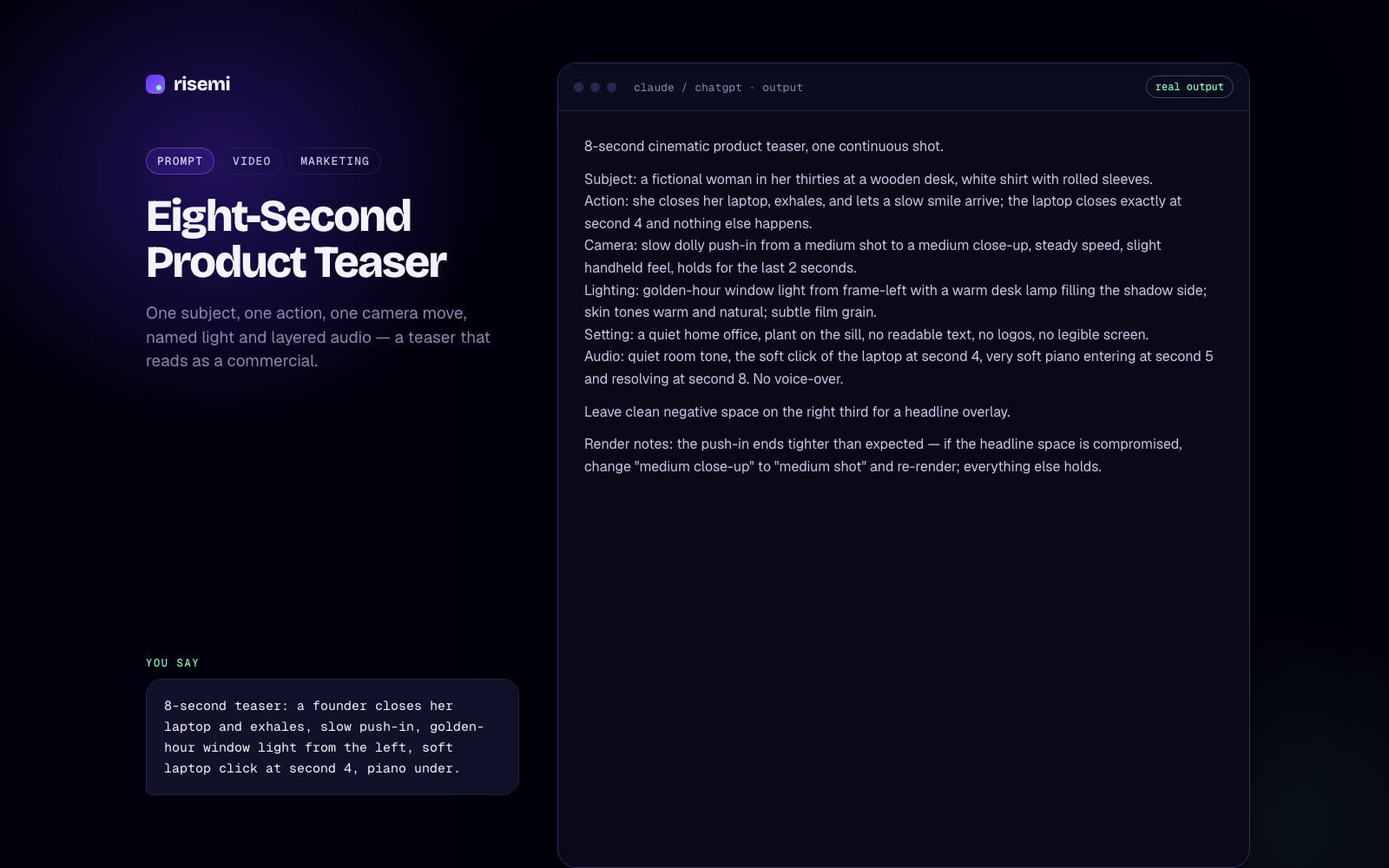
Image-to-video: animating a still
Starting from an image gives you much more control over composition, faces and brand colours than text alone. The trap is that the model will "improve" your image: shift the palette, re-light the scene, change the face. Prompt for restraint:
Animate this image. Keep the subject's face, hairstyle, clothing, the
background, the colour palette and the framing exactly as they are.
Add only three subtle motions: her hair moves slightly in a breeze,
the steam from the cup rises and drifts, the curtain behind her sways.
Camera: locked off, no movement.
Audio: quiet room tone, faint street noise through the window.
Negative prompt: camera movement, zoom, new objects, colour shift,
change of expression, text.
Small, named motions survive. "Make it come alive" invites the model to reinterpret everything.
Consistency across clips
If you are stitching several clips into one video, the hardest part is keeping the same person looking like the same person. What helps:
- Write a fixed character block and paste it word for word into every prompt: age, face, hair, clothing with colours, one distinctive detail.
- Fix the light and grade with the same words every time.
- Use reference images or a first frame where your surface supports it. A still of the character gives the model something concrete to hold.
- Change only the action and camera between clips. Every extra change is a chance for drift.
- Generate several takes and pick the most consistent one. Veo can return more than one video per request on some surfaces.
The same per-scene structure works in Veo and Kling, and it is packaged as a reusable prompt here:
Common mistakes
- Two or three actions in one clip, so none of them completes.
- Camera instructions that contradict each other ("static, slow orbit").
- Forgetting audio, then getting music or speech you did not want.
- Dialogue that is too long for eight seconds.
- Changing five things between generations, so you cannot tell what helped.
More video prompts live in the video collection and the Veo catalog filter. If you also make still images for the same campaign, see the Midjourney style references guide for keeping a consistent look.