
"Vibe coding" means building software by describing what you want to an AI tool (Lovable, Bolt, Replit, v0, Cursor, Claude Code and others) and letting it write the code. It works surprisingly well for small apps. It also fails in predictable ways: a first version that looks like every other AI app, edits that quietly break things that worked, bug fixes that guess, and launches with an open database.
Most of that is decided by how you write prompts. This guide covers the first build prompt, then the three kinds of prompts you will write after it.
Why the first prompt matters so much
The first generation sets the structure: pages, data model, layout, colours, component library. Changing a colour later is easy. Changing what the app fundamentally is after twenty edits is painful, because each edit was built on the old assumptions.
The most common first prompt is one line: "Build me a habit tracker app." The tool fills every gap with defaults, and you get a generic dashboard with fake charts, a sidebar you do not need, and a login flow for a product that maybe should not have one. Then you spend an afternoon removing things.
A good first prompt answers four questions.
The four parts: who, the one job, the data, the feel
1. Who it is for. One specific person, not a market. "A freelance translator who juggles 5 to 10 clients" tells the AI what level of complexity, language and polish to aim for.
2. The one job. The single thing someone opens the app to do. If you list six features, the AI gives each one sixth of the attention. Name one job, describe it as a step-by-step flow, and say what is out of scope.
3. The data. What gets stored, with fields. "Clients (name, rate, currency), projects (client, title, deadline, word count, status)." This decides the database design, which is the hardest thing to change later.
4. The feel. Two or three concrete references and words. "Calm and plain like a paper notebook; one accent colour; generous spacing; no dashboards full of charts." Naming what you do not want helps as much as naming what you do.
A first build prompt you can copy
Build a web app.

WHO: [one specific person and their situation, in 1-2 sentences]

THE ONE JOB: When they open the app, they want to [job].
The flow:
1. [step]
2. [step]
3. [step]
Out of scope for now: [things you will add later or never].

DATA: Store:
- [thing]: [field], [field], [field]
- [thing]: [field], [field]
Only the signed-in user can see their own data.

FEEL: [2-3 adjectives]. Looks like [reference app or object].
One accent colour: [colour]. Mobile-friendly.
Avoid: [e.g. sidebars, gradient backgrounds, stock dashboard charts,
placeholder testimonials].

FIRST VERSION: Build only the one job end to end with real data saving.
No landing page, no settings page, no fake numbers.
When done, list what you built and what you assumed.
The last line is important. The "what you assumed" list shows you where the AI filled gaps, so you can correct the foundation before building on it.
The tested version of this prompt, with worked examples for several app types, is free:
After the first build: scoped edits
The second most common failure is the edit that rebuilds everything. You ask to "make the buttons bigger" and the AI also rewrites the navigation, renames a database field and drops a feature you liked. AI tools tend to treat each request as permission to "improve" nearby code.
Scoped edits fix this by saying three things: what to change, how you will check it worked, and what must not change.
Change ONLY this: [one specific change, e.g. "on the Projects page, show
the deadline as '3 days left' instead of a date"].

Acceptance check: [how I'll know it's right, e.g. "a project due in 3 days
shows '3 days left'; overdue shows 'overdue' in red"].

Keep exactly as they are: [list - e.g. the layout, the colours, the
database fields, the login flow, every other page].

Before editing, tell me which files you will touch. If the change needs
anything outside this scope, ask first.
One change per prompt. If you have five changes, send five prompts and check each one. It feels slower and is much faster than untangling a combined edit.
When something breaks: bug reports, not "it's broken"
"It doesn't work, fix it" makes the AI guess, and guesses often introduce a second bug while hiding the first. A useful bug report gives three facts and one rule:
Bug report.

What I did: [exact steps, e.g. "opened Projects, clicked 'New', typed a
title, clicked Save"]
What happened: [exact result, including any error message text,
copied in full]
What I expected: [the correct result]

Rule: diagnose before you fix. First explain what you think is causing
this and how confident you are. Do not change any code until I confirm.
If you need more information (console output, a screenshot), ask.
The confirm-first rule is the part people skip. It stops the AI from rewriting working code on a hunch, and it teaches you a little about your own app each time.
Before launch: a security pass
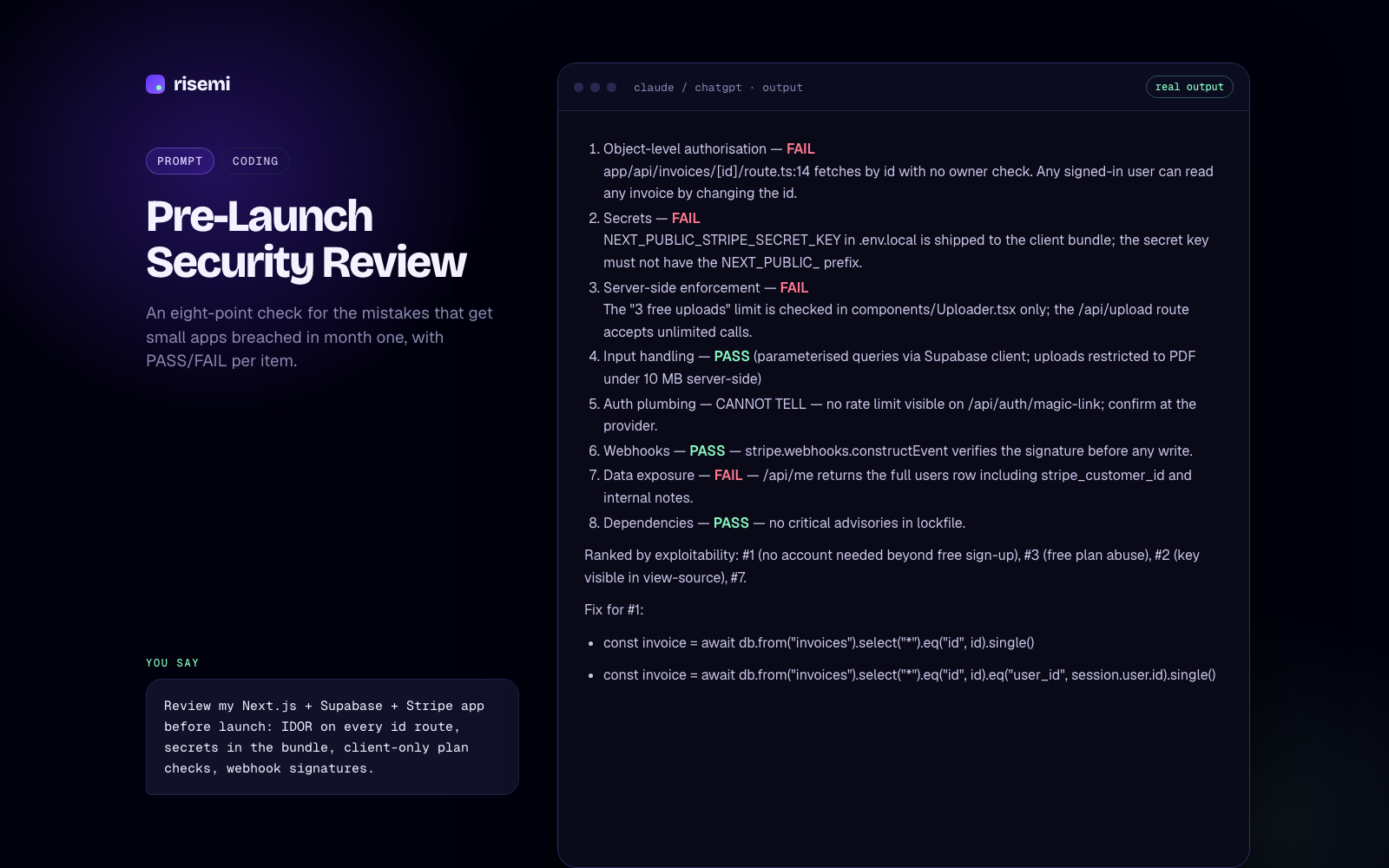
Small vibe-coded apps get into trouble in month one for a short list of reasons. Ask your tool to check each explicitly, with a pass or fail:
- Data access rules. Can a signed-in user read or change another user's data by changing an ID in the URL or request? On Supabase, this means Row Level Security policies on every table.
- Secrets in the frontend. API keys for payments, email or AI services must never ship in browser code.
- Admin routes. Are admin pages actually protected, or just hidden from the menu?
- Input handling. Is user input validated on the server, not only in the form?
- Rate limits on sign-up, login and anything that costs you money per call.
- Error messages that leak database details or stack traces to users.
Review this app for security before launch. For each item, answer PASS or
FAIL with the file and line that proves it:
1. Users can only read and modify their own data (test by changing IDs).
2. No secret keys in client-side code or public env variables.
3. Admin routes are protected server-side.
4. All user input is validated on the server.
5. Sign-up, login and paid API calls are rate-limited.
6. Errors shown to users don't reveal internals.
Do not fix anything yet. Give me the list first.
An AI review is not a substitute for a professional audit if you handle payments or sensitive personal data, but it catches the obvious mistakes. The full eight-point version:
The whole path in one kit
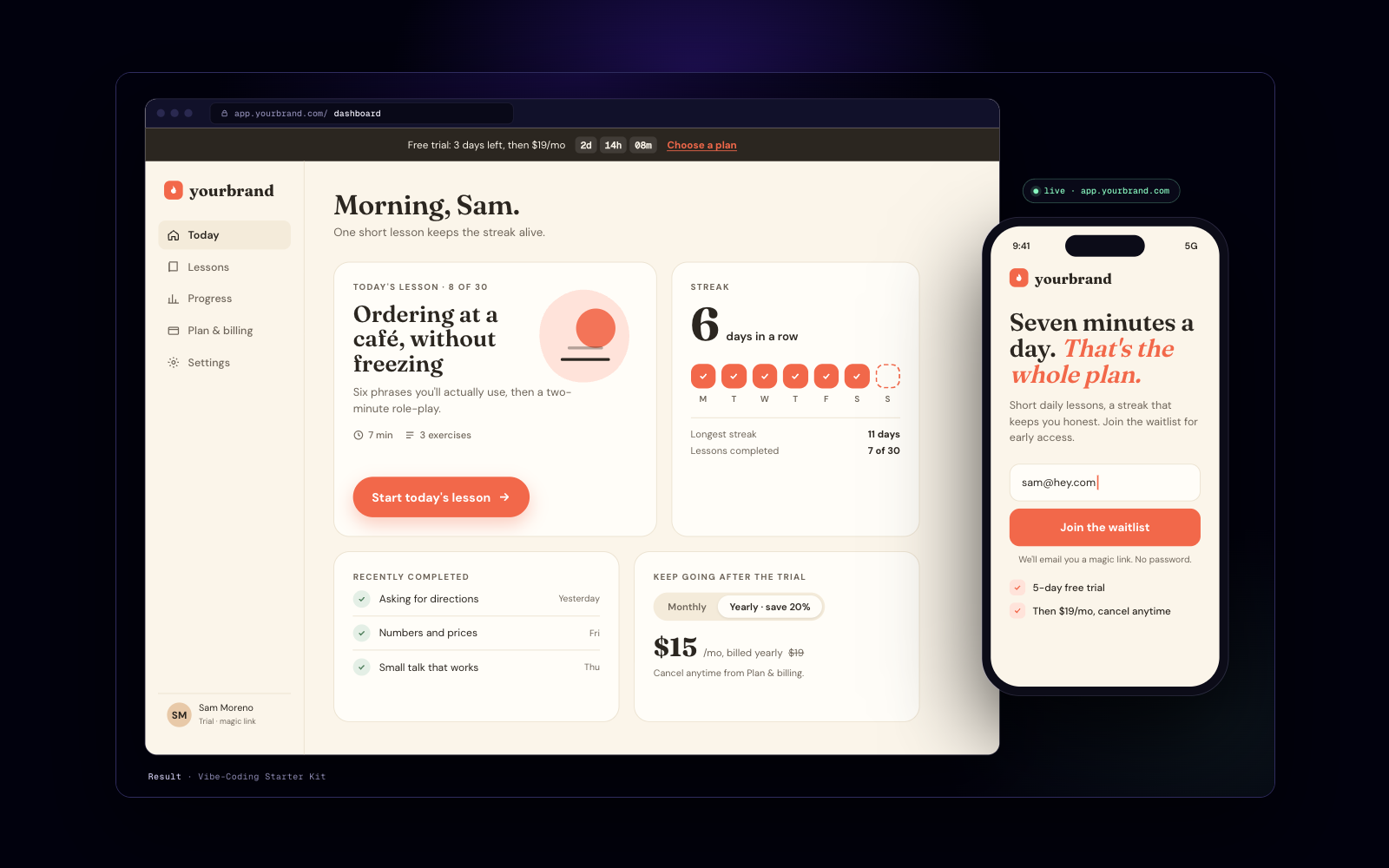
If you would rather follow a sequence than assemble prompts yourself, the starter kit covers the full route in ten prompts: picking a tool, the first build, safe edits, adding payments and shipping.
For a landing page to go with your app, see building a landing page with an AI agent. If you are choosing between coding agents, read Claude Code vs Cursor for skills, and browse more coding prompts and skills.