
A coding agent like Claude Code or Cursor can build a complete landing page in one sitting. The hard part is not the code. It is that "build me a landing page for my app" produces the same page everyone else gets: a gradient hero, "Revolutionize your workflow", three feature cards with icons, fake testimonials. It looks finished and converts like a placeholder.
The fix is to split the job into steps the agent is good at, and to feed it facts instead of asking it to invent them. Here is the process.
The six steps
- Facts brief
- Copy
- Design direction
- Build
- Conversion check
- Ship
You can do steps 1 and 2 in any chat (ChatGPT, Claude, Gemini) and steps 3 to 6 in the coding agent. Keeping them separate means you review copy as copy and design as design, instead of judging a half-written page.
Step 1: Write a facts brief
Everything generic on an AI landing page comes from missing facts. Before any prompting, write down:
- What it is, in one plain sentence.
- Who it is for, specifically.
- The before and after: what their day looks like without it, and with it.
- Proof: numbers, customer names you are allowed to use, real quotes, press, how long you have been running. If you have none yet, write "none" so the agent does not invent any.
- Pricing, exactly as it will appear.
- Objections: the three reasons someone would not buy.
- The one action you want visitors to take.
Save it as brief.md in your project folder. The agent will read it at every step.
Step 2: Write the copy before the design
Copy decides the structure of the page, so write it first. If you have customer reviews, interviews or support emails, pull the phrases customers actually use for their problem; they make better headlines than anything you or the model will write from scratch.
Using only facts from brief.md, write landing page copy with these
sections: hero (headline under 10 words, subhead under 25, one CTA),
problem, how it works (3 steps), proof, pricing, FAQ (5 questions from
the objections), final CTA.

Rules:
- Headline states the outcome for the reader, not the product category.
- No invented numbers, testimonials, logos or customer names.
  If proof is missing, leave a [PROOF NEEDED] marker.
- Banned words: revolutionize, seamless, unlock, supercharge,
  next-generation, all-in-one, effortless.
- Plain, specific sentences a customer would say out loud.

Then give me 3 alternative headlines with different angles.
Save the result as copy.md. Edit it yourself. This is the step where your judgement matters most.
A tested ten-prompt chain for this stage, from customer research to an assembled page with promise, problem, proof, FAQ and pricing:
Step 3: Pick a design direction on purpose
Left alone, coding agents converge on the same look. The cure is to make the agent plan the design for your subject before writing any code, and to check the plan against the generic defaults.
Read brief.md and copy.md. Before writing code, propose a design direction:
- 1 sentence on the mood, tied to who the customer is
- typeface pairing (heading + body) and why
- colour palette: background, text, one accent, with hex values
- layout idea for the hero that isn't "centered headline over a gradient"
- one distinctive detail that makes this page recognisable

Then list which generic AI landing page patterns you are avoiding
and how. Wait for my approval before building.
If you can describe a reference ("feels like a well-made printed manual", "like a calm fintech app, not a crypto site"), add it. Concrete references beat adjectives.
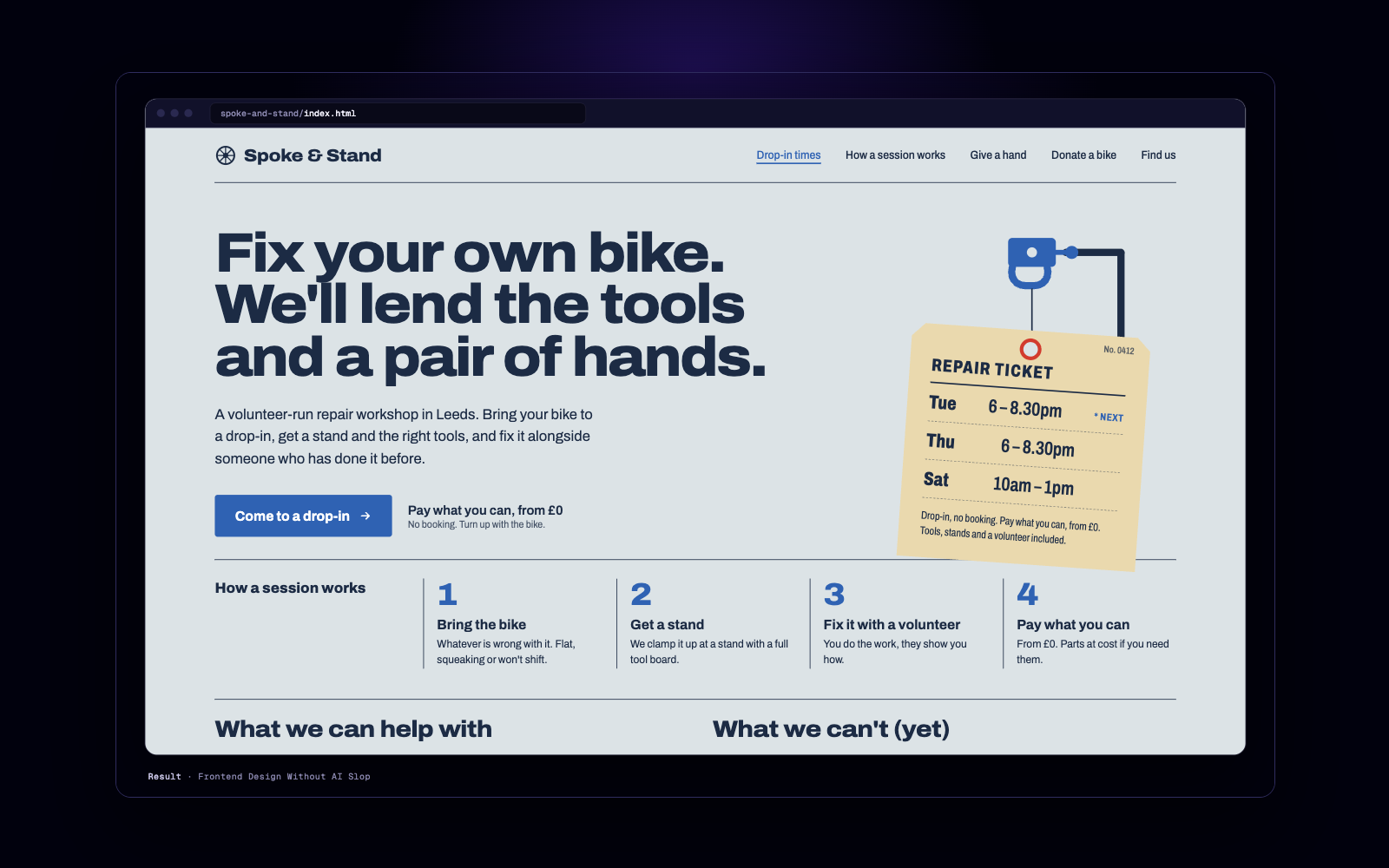
A skill that makes the agent run this plan-and-check loop every time it builds a frontend:
Step 4: Build
Once the direction is approved, the build prompt can be short, because the decisions are already in files:
Build the landing page as a single responsive page using copy.md exactly
as written and the approved design direction. Requirements:
- Mobile first; test at 375px and 1280px widths.
- Real semantic HTML: one h1, headings in order, alt text on images.
- Fast: no heavy libraries for simple effects, compress images.
- CTA buttons link to [URL].
- Keep [PROOF NEEDED] markers visible so I can't ship them by accident.
When done, list anything you changed from copy.md and why.
Then review it in a browser at phone width first. Most visitors to a new product's landing page arrive on a phone from social or ads.
For edits, use one scoped change per prompt and list what must not change, the same method described in the vibe coding first prompt guide. "Make the hero better" invites a redesign; "increase the hero headline to 56px on desktop, keep everything else" does not.
If you want to skip steps 3 and 4 for a SaaS product, a skill can generate a complete page from your facts in one run:
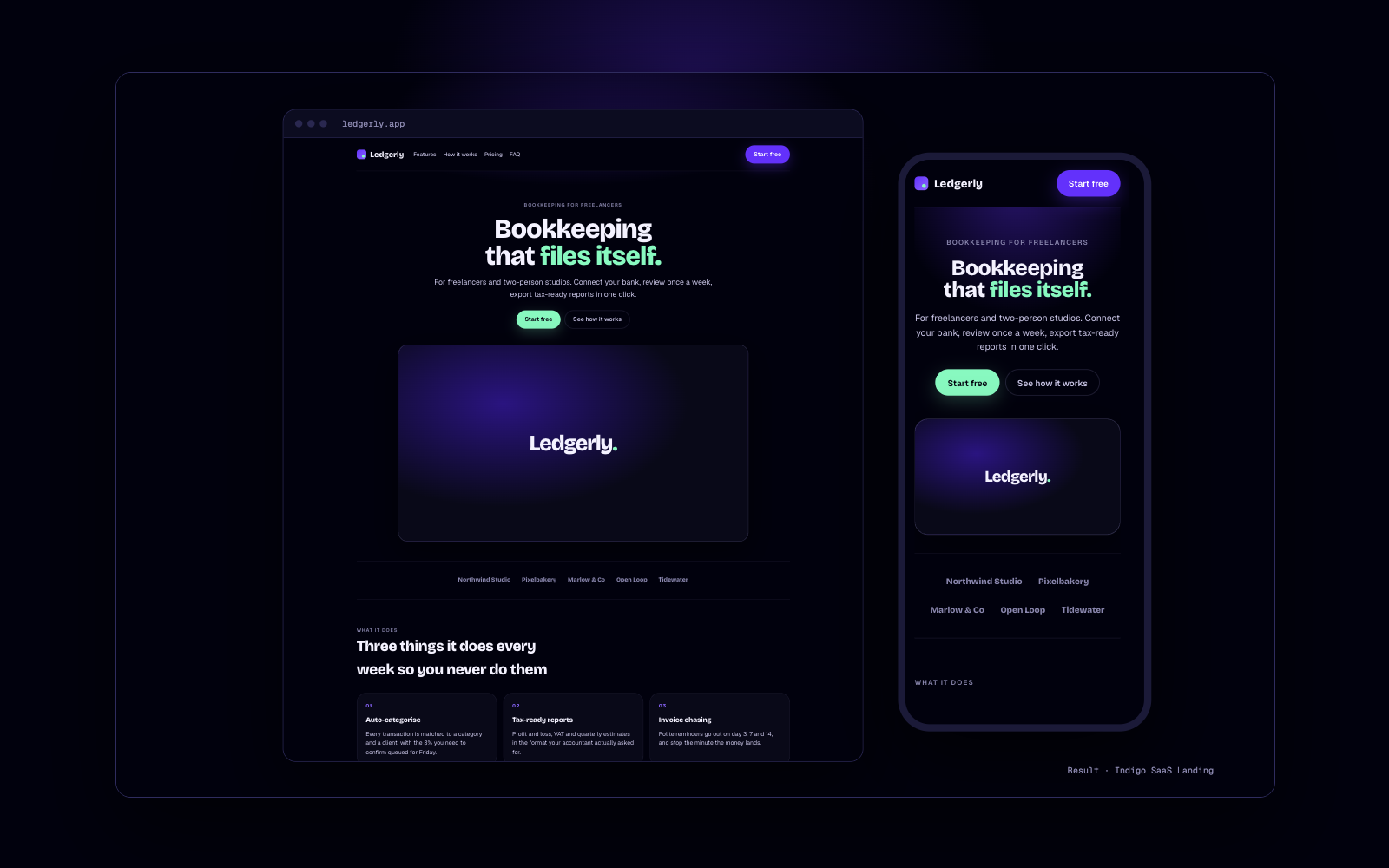
It produces a dark-themed page with hero, features, pricing and FAQ as editable HTML, so it fits best when that style suits your product.
Step 5: Run a conversion check
Before shipping, review the page as a skeptical visitor would. You can ask the agent to do a structured pass:
Audit this landing page for conversion. Score each 1-5 with one line
of evidence:
1. Can a first-time visitor say what this is and who it's for in 5 seconds?
2. Is there one primary action, visible without scrolling on mobile?
3. Does the proof support the main claim?
4. Are the top 3 objections answered on the page?
5. Is the pricing clear, with no surprise at checkout?
6. Does anything distract from the CTA (extra links, competing buttons)?
7. Page speed and mobile layout issues.
Then give the 3 changes most likely to raise conversions, with rewritten copy.
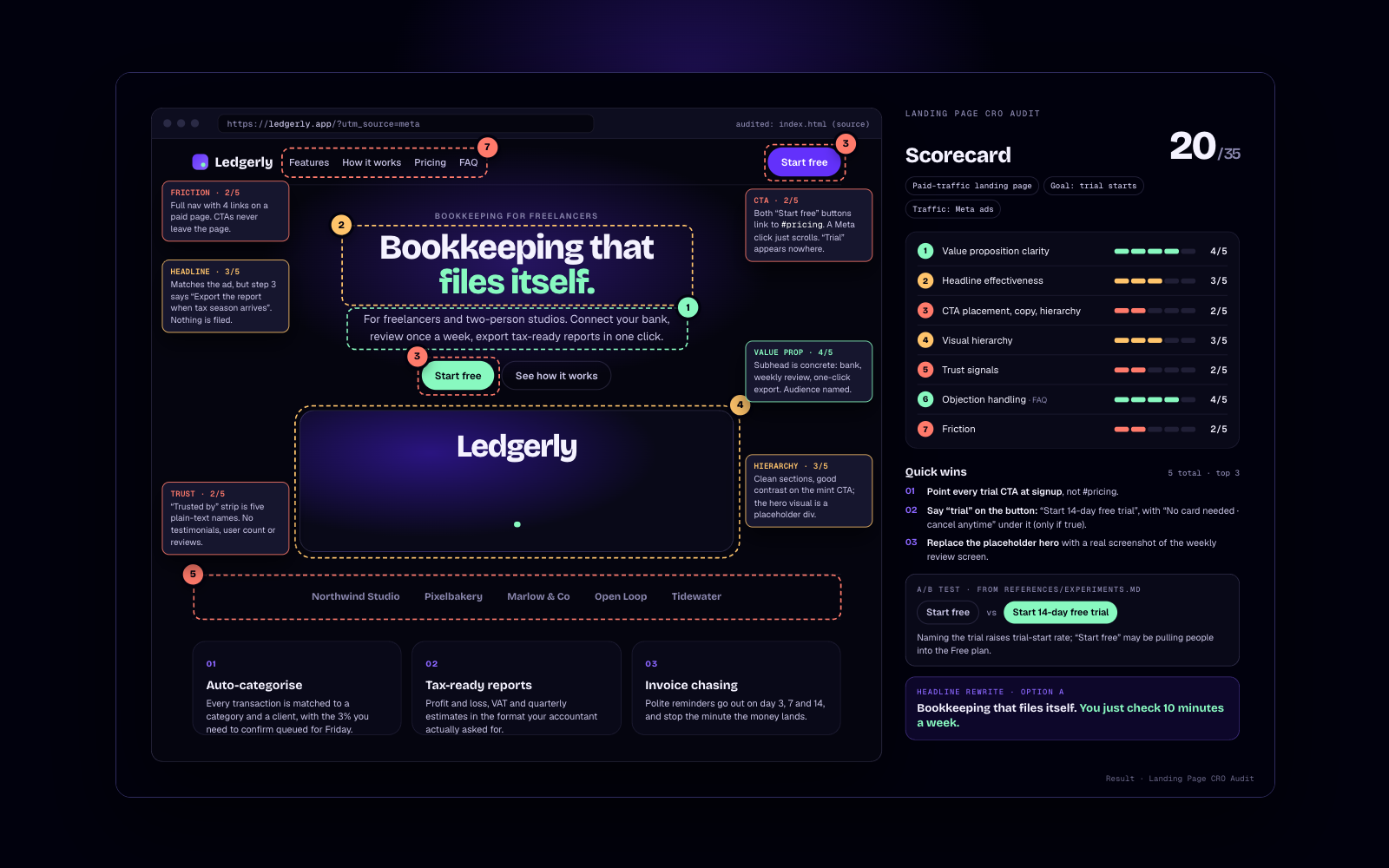
AI audits catch clarity and structure problems well. They cannot tell you what your real visitors do, so once traffic arrives, watch your analytics and test one change at a time. For a page that is already live and underperforming, the full audit with a scorecard, quick wins, test ideas and before/after copy:
Step 6: Ship
The agent can help with the last mile too:
- Meta tags: a page title under about 60 characters, a description, and an Open Graph image so links look right when shared.
- Analytics with one event on the CTA click, so you know the conversion rate from day one.
- A form or checkout that actually works. Test it end to end with a real email address.
- Deploy to a static host such as Vercel, Netlify or Cloudflare Pages. Ask the agent for the exact steps for the host you choose, then run them yourself and check the live URL on your phone.
Remove every [PROOF NEEDED] marker or the section it sits in. A page with no testimonials is fine; a page with invented ones is a liability.
What AI agents still get wrong
- Inventing statistics and testimonials when proof is thin.
- Defaulting to the same gradient hero and three-card feature row.
- Drifting from approved copy during build ("I improved the headline").
- Desktop-first layouts that break at phone width.
- Adding sections nobody asked for.
Each of the steps above exists to catch one of these. For more, see the marketing and web output collections, and the Claude Code skills page. For the hero image, a free editorial hero prompt leaves clean space for your headline.